
What Is an Antidetect Browser?
October 13, 2026 · 4 min read
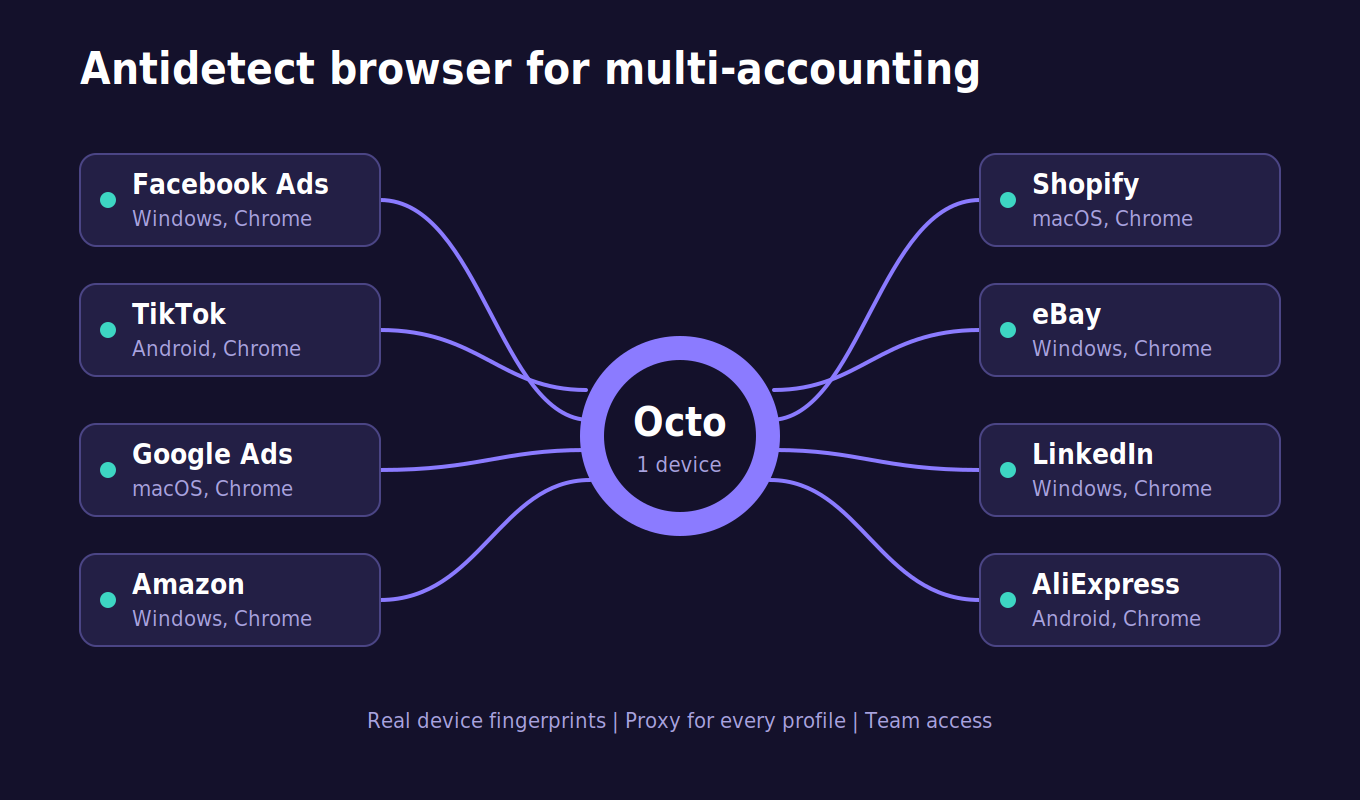
Here’s something that surprises a lot of people: a website doesn’t need cookies to recognize you. The moment a page loads, it can see your browser version, screen size, fonts, language, time zone, and even how your graphics card draws a simple shape. Mix all that together and you get a fingerprint that is often unique enough to pick your device out of millions.
An antidetect browser exists to deal with exactly this problem.
The basic idea
Think of it as a browser that lets you build many separate identities on a single computer. Every profile gets its own fingerprint, its own cookies, and its own saved logins. Open profile A and a website sees one device. Open profile B and it sees a completely different one, with another screen size, another operating system, another set of fonts.
Nothing carries over from one profile to the next. That’s the whole point. Say you manage five client accounts on the same ad platform. In a normal browser, all five look like they come from one laptop. In an antidetect browser, each one lives in its own profile and looks like it belongs to a different person. No overlap, nothing to link them together.
Why Chrome and Incognito don’t cut it
Plenty of people assume Incognito mode keeps them hidden. It doesn’t, not really. All it does is forget your history and cookies once you close the window. Your device still looks exactly the same to every site you visit.
That becomes a real headache the moment you handle more than one account on the same platform. Marketplaces, ad networks, and social sites keep an eye out for accounts that share a device. If they connect the dots, you can end up flagged, restricted, or banned, sometimes with barely any explanation. Sellers have lost entire stores this way, just because two accounts were opened from the same browser.
What happens behind the scenes
When you create a new profile, the browser picks a set of fingerprint values that make sense together. That last part matters more than it sounds. A profile can’t claim to be a Mac and then show fonts that only exist on Windows, because sites notice mismatches like that and treat them as a red flag. Good antidetect tools spend most of their effort making sure every detail lines up.
Most of them also let you attach a proxy to each profile. The proxy takes care of your IP address, the fingerprint takes care of everything else, and together the profile tells one believable story: a real person, on a real device, in a real location.
Who actually uses one
It has a bit of a shady reputation, but the everyday users are pretty ordinary.
Freelancers and agencies who manage social media for clients use it to keep each account in its own space, so there’s no accidental cross-login. Online sellers running several stores on Amazon, eBay, or Etsy use it to keep those stores apart. Affiliate marketers and media buyers rely on it to manage multiple ad accounts and to check how their campaigns look in different countries. QA testers use it to see a site the way a visitor from another region or device would. And some people just don’t like being tracked everywhere they go and want more control than a normal browser offers.
What to look for before choosing one
Not all of them are equal, so it’s worth checking a few things first:
- Realistic fingerprints. They should look natural and stay consistent, not randomly generated.
- Easy profile management. Folders, tags, and bulk creation save hours once you pass a handful of accounts.
- Simple proxy setup. If adding a proxy to each profile is a hassle, you’ll feel it every day.
- Team features. Shared profiles and access controls matter if you don’t work alone.
- Automation and API. Handy for repetitive work at scale.
- Regular updates. Websites keep changing how they detect things, so the browser has to keep pace.
A quick note on responsible use
An antidetect browser is just a tool, and what you do with it is on you. Running your own legitimate accounts, testing websites, protecting your privacy, and handling client work are all fair uses. Trying to commit fraud or deliberately break a platform’s rules is a different story and can come with serious consequences. Reading the terms of the platforms you work with is always a good habit.
So, do you need one?
If you use one or two accounts and never think about tracking, your regular browser is fine. But once you’re juggling multiple accounts, working for clients, or just care about how much of your digital footprint is on display, the benefits show up fast. You get cleaner separation, fewer surprise bans, and more say in how you appear online.
A normal browser shows the internet whatever it wants to know about you. An antidetect browser puts that choice back in your hands.