
How AI Is Changing Photo Editing, and Why Background Removal Leads the Way
November 3, 2026 · 4 min read
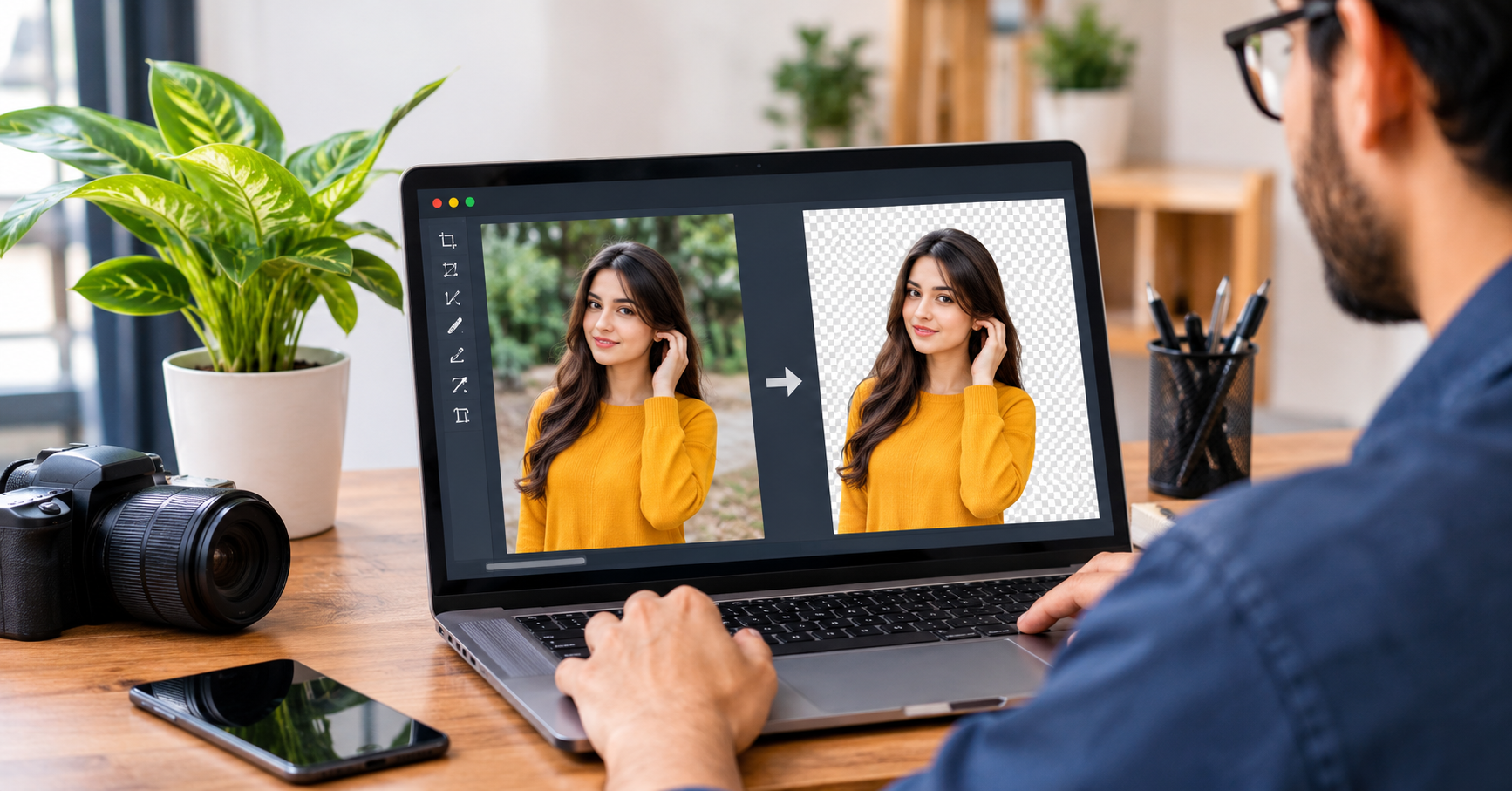
A few years ago, cutting a person out of a photo meant opening heavy software, zooming in to 400 percent, and tracing every strand of hair with a tiny pen tool. A single product shot could eat up half an hour. Today, the same job takes a few seconds, and you don’t need design training to do it.
That change comes from artificial intelligence. Of all the editing tasks AI has taken over, background removal is probably the most noticeable, because almost everyone who works with images runs into it sooner or later.
Why Backgrounds Matter More Than We Think
A background tells the viewer a lot before they notice the subject. A cluttered kitchen counter behind a product makes it look amateur. A busy street behind a portrait pulls attention away from the face. Remove the background and the subject becomes the focus.
That’s why so many people need clean cutouts:
- Online sellers need uniform white or neutral backgrounds for marketplace listings.
- Social media creators want to place themselves on custom backdrops for thumbnails and posts.
- Small businesses need logos and product shots that work across websites, flyers, and ads.
- Students and professionals need tidy headshots for resumes, ID forms, and presentations.
Before AI, most of these people either paid a designer or settled for imperfect results.
How AI Actually Removes a Background
It helps to know what happens behind the scenes. Traditional tools relied on color differences. If the subject was red and the wall was white, the software could separate them. Anything more complicated, like a green shirt against a green hedge, confused it.
Modern tools use machine learning models trained on millions of images. During training, the model learns what people, animals, products, and objects typically look like, and where their edges tend to fall. When you upload a new photo, the model predicts which pixels belong to the main subject and which belong to the background. It doesn’t just compare colors. It recognizes shapes, textures, and context.
That’s why today’s tools handle difficult details such as flyaway hair, fur, transparent glass, and the soft edges of shadows far better than older methods.
Using an AI Background Remover in Everyday Work
The practical benefit is speed. Tools like an ai background remover let you upload an image and get a clean cutout in moments, without touching a selection tool. For someone managing dozens of product photos or posting content daily, that saves hours every week.
The convenience also brings flexibility. Once the background is gone, you can:
- Place the subject on a solid color for a clean, professional look.
- Swap in a new scene, such as a studio backdrop or a seasonal setting.
- Export a transparent PNG to reuse in designs, banners, or videos.
- Create consistent image sets, so a whole catalog looks uniform.
It doesn’t replace creative judgment, though. The tool does the tedious part, but you still decide what the final image should look like.
Tips for Getting Better Results
AI is good, but it isn’t magic. A few habits make the output noticeably cleaner.
Start with a decent photo. Sharp, well-lit images give the model more information. Blurry or very dark pictures make edge detection harder.
Create some contrast. If you can, avoid shooting a subject against something nearly identical in color. A bit of separation helps.
Check the edges. After the cutout, zoom in and look at the borders. Small leftover patches or slightly rough areas are easy to fix, but only if you spot them.
Keep the original. Always save the untouched file. If you decide later that you want a different crop or background, you’ll be glad to have it.
Match lighting when changing backgrounds. If your subject was lit from the left and the new background is lit from the right, the result looks off. Choose backdrops with similar light direction and tone.
Where This Technology Is Heading
Background removal is only one piece of a bigger shift. The same underlying technology now powers object removal, automatic retouching, image upscaling, and even generating missing parts of a photo. Video editing is following a similar path, with background removal now working on moving footage and not just still images.
The common thread is that tasks which once needed specialist skills are becoming accessible to ordinary users. A shop owner with a phone can produce catalog-quality images. A student can build a polished presentation without hiring anyone. A freelancer can offer visual services without years of software training.
There are fair concerns too. As editing gets easier, it becomes harder to tell what’s been altered. Photographers and journalists in particular worry about authenticity, and that debate will likely grow. Most everyday uses, like product photos, profile pictures, and social posts, are harmless, but it’s worth remembering that the same tools can be used carelessly.
Choosing the Right Tool
With so many options available, a few questions can help you decide:
- Does it produce clean edges on hair and fine details?
- Can you export in formats you actually need, such as PNG with transparency?
- Is it quick enough for your workload?
- Does it fit into the rest of your workflow, for example by working alongside video or design tools you already use?
Try a few different photos, not just one easy example. A tool that handles a simple portrait might struggle with a product on a reflective surface, and you want to know that before committing to it.
Final Thoughts
AI has turned a once-tedious editing task into something almost anyone can do in seconds. Background removal shows what’s good about this technology: it takes a repetitive, skill-heavy job and makes it accessible, leaving people more time for the creative decisions that matter.
Whether you’re running an online store, building a personal brand, or just tidying up a photo for a profile, understanding how these tools work and how to use them well will get you better results with less effort. As the technology keeps improving, the gap between professional and everyday editing will keep shrinking, and that’s good news for anyone who works with images.