
How AI Automation Can Improve IT Asset Management
October 20, 2026 · 5 min read
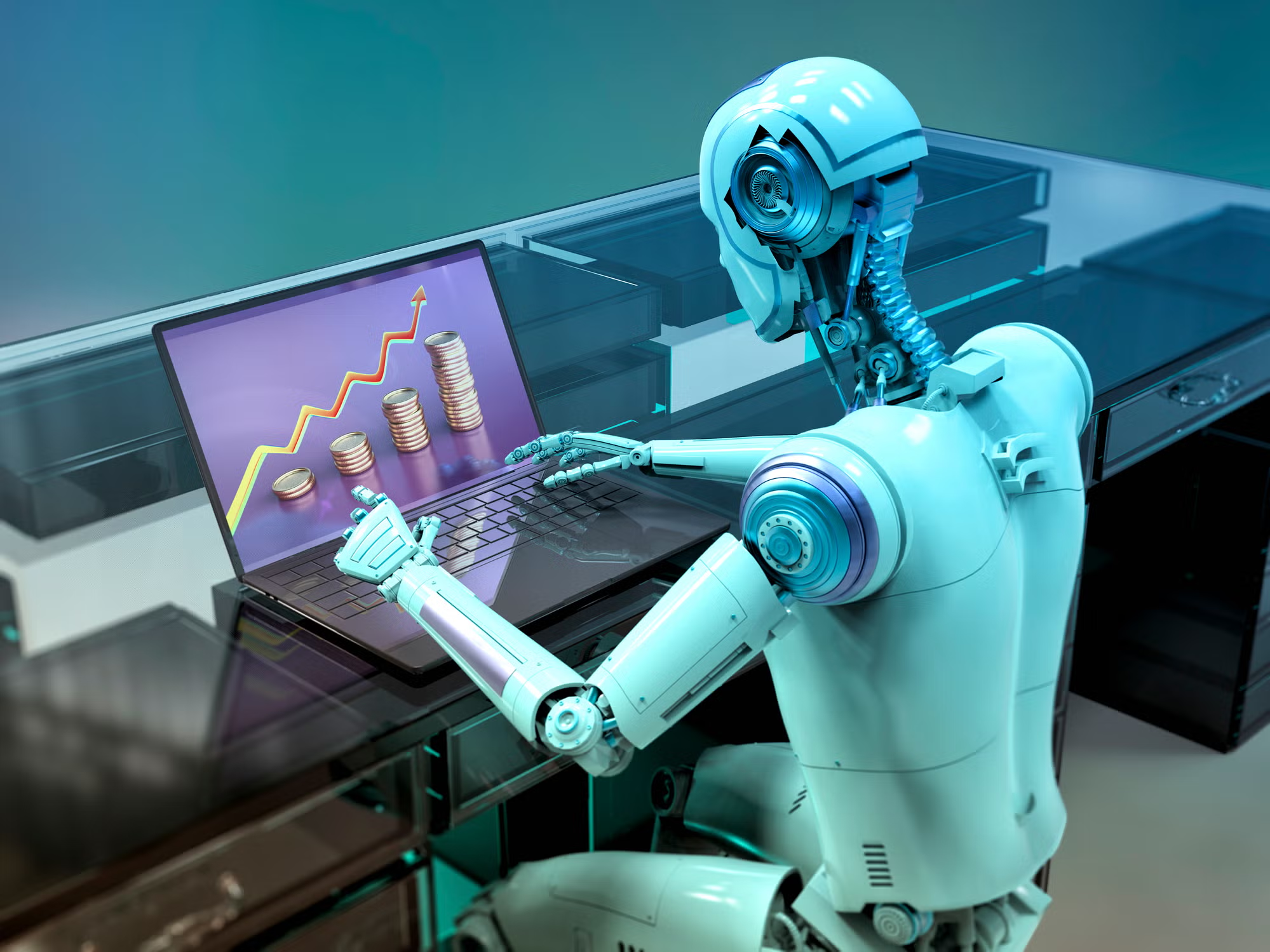
Artificial intelligence is changing how businesses manage repetitive tasks, organize information, and support employees. While many organizations use AI to improve customer service and workflow automation, internal IT operations also offer significant opportunities for improvement. One important area is IT asset management, where accurate records and efficient processes help businesses control costs, protect company resources, and maintain productivity.
As companies adopt more digital tools and expand their teams, managing technology assets becomes increasingly complex. Laptops, monitors, smartphones, software licenses, and other equipment move between employees, departments, and locations. Without reliable processes, keeping track of these resources can consume valuable time. AI-powered automation can help businesses simplify these tasks, improve visibility, and make better use of their existing technology.
Why IT Asset Management Needs Better Automation
Companies rely on technology assets to keep their teams productive. As organizations grow, tracking these resources through spreadsheets and manual updates becomes increasingly difficult. IT teams may struggle to identify who has a particular device, which equipment is available, or when a warranty expires.
These challenges can lead to unnecessary purchases, missing equipment, unused software licenses, and delays during employee onboarding. Inaccurate records may also make it harder to prepare for audits or understand how technology budgets are being spent.
Automation helps reduce manual work by keeping information organized and making important updates easier to manage. For example, when a device is assigned to an employee, a well-designed workflow can update its status, record the assignment, and notify the relevant team members. This creates a clearer history of asset ownership and reduces the likelihood of conflicting information across different records.
Connecting AI Agents With IT Workflows
AI agents can help organizations handle recurring operational tasks by following defined instructions, processing information, and coordinating actions across connected systems. For example, an agent could review an equipment request, check an approved inventory source, and notify the IT department when a laptop needs to be prepared for a new employee.
Other workflows could include reminding employees about overdue equipment, notifying administrators about upcoming warranty expirations, and generating summaries of inventory changes. An AI agent could also help answer routine internal questions, such as which devices are available for reassignment or what steps are required before returning company equipment.
These capabilities can reduce administrative work and give IT professionals more time to focus on complex technical issues. However, AI agents should operate within clear permissions. Actions involving device access, sensitive employee information, or equipment disposal may require human approval. Keeping an audit trail also helps organizations understand what happened, when an action occurred, and why a decision was made.
Maintaining Accurate Records Across the Asset Lifecycle
Automation works best when the underlying asset information is reliable. Businesses need a consistent record of each device, including its assigned employee, current location, condition, purchase details, and lifecycle status. These records should remain useful throughout the entire asset lifecycle, from procurement and deployment to maintenance, reassignment, and retirement.
A centralized platform such as Bluetally can help IT teams manage hardware, software licenses, asset assignments, audits, and employee equipment returns in one place. Integrations with existing device-management systems can also reduce duplicate data entry and help keep records synchronized.
With reliable asset data, AI-powered workflows can make more useful recommendations. For instance, a team could identify equipment that remains unused, spot recurring replacement needs, or prepare a report on devices due for maintenance. If several devices are approaching the end of their expected service life, IT managers can use that information to plan replacements before failures interrupt employees' work.
The goal is not to automate every decision but to make routine processes more consistent and give employees better information. Human oversight remains important when evaluating replacement priorities, approving purchases, or making decisions that affect budgets and business operations.
Improving Employee Onboarding and Offboarding
Employee transitions are another area where automation can make a measurable difference. During onboarding, IT teams must prepare devices, assign accessories, configure access, and confirm that employees have received their equipment. A structured workflow helps ensure that important steps are not overlooked, particularly when several employees join the company at the same time.
For example, an approved onboarding request could trigger a checklist for preparing a laptop, recording its serial number, assigning it to the new employee, and confirming delivery. Automated reminders can notify the responsible team if any required step remains incomplete. This improves coordination between HR, IT, and department managers.
Offboarding requires similar coordination. Organizations need to recover company devices, update asset assignments, review software licenses, and work with security teams to manage access appropriately. Automated reminders and clear ownership records can help prevent equipment from being forgotten when someone leaves. Once a device is returned, its condition can be recorded and the equipment can be prepared for repair, storage, or reassignment.
Combining AI agents with established asset-management processes can help teams coordinate these tasks while preserving human oversight for sensitive decisions.
Strengthening Security and Compliance
Asset visibility also contributes to better security. When businesses do not know which devices they own or who is responsible for them, it becomes harder to identify risks and respond to incidents. An outdated inventory may leave devices unaccounted for or make it difficult to determine whether equipment has been returned after an employee departure.
Regular inventory reviews and automated alerts can help teams identify missing records, unassigned devices, and assets that require attention. When combined with appropriate endpoint management and security tools, accurate inventory data supports more informed decisions about updates, access controls, and device retirement.
Businesses should also establish clear rules for how AI agents handle employee information and interact with internal systems. Access should be limited to what each workflow requires, and sensitive actions should be logged and reviewed. These safeguards help organizations benefit from automation without giving automated systems unnecessary control over critical operations.
Building a Practical Automation Strategy
Businesses do not need to automate their entire IT department at once. A better starting point is to identify repetitive tasks that consume time or frequently result in errors. Inventory updates, equipment-return reminders, warranty notifications, and routine reporting are useful candidates because their outcomes are relatively easy to measure.
Before implementing an AI workflow, teams should define its purpose, identify the systems it can access, set approval requirements, and establish success measures. Useful metrics include time saved per task, inventory accuracy, overdue equipment returns, and the number of manual corrections required.
It is also important to review automated workflows regularly. Business processes change, employees adopt new tools, and asset records can become outdated. Periodic checks help ensure that automation continues to reflect current policies and operational needs.
AI agents can make IT operations more responsive, but they depend on accurate information, suitable integrations, and well-defined permissions. By combining intelligent automation with dependable asset tracking, organizations can reduce administrative overhead, improve accountability, and build IT workflows that scale as their workforce grows.