
Good Bots, Bad Bots, and AI Agents: How to Sort Your Bot Traffic in 2026
October 7, 2026 · 8 min read
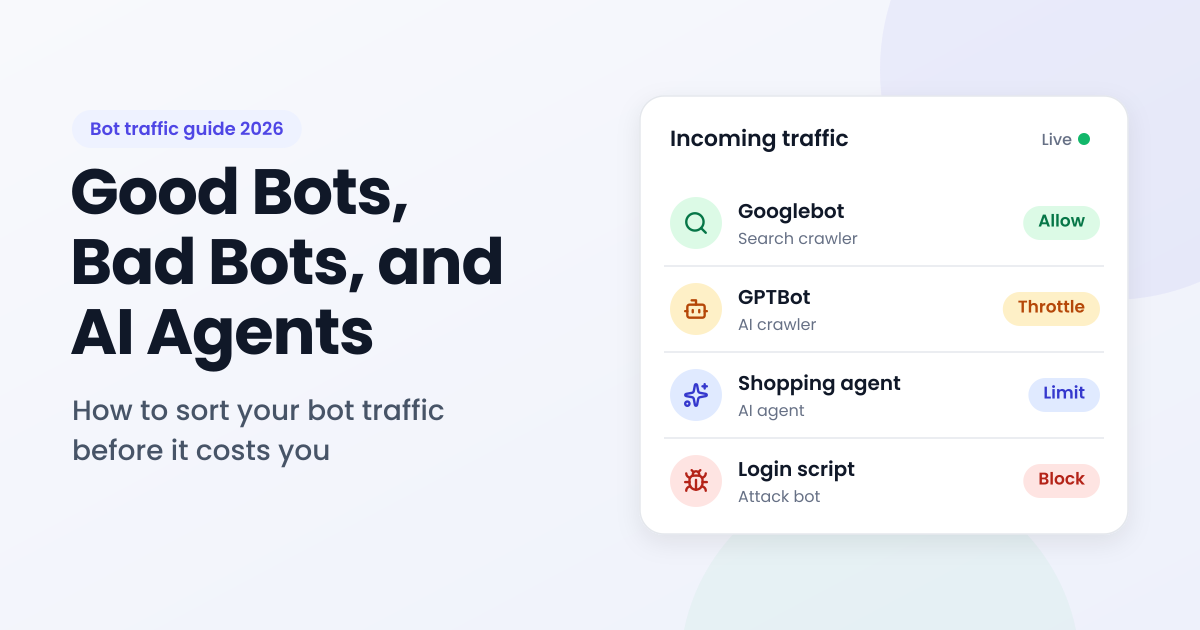
In short: Bots made up 53% of all web traffic in 2025, and bad bots alone 40%, according to Thales' 2026 Bad Bot Report. AI agents are now a third category between good and bad bots. A user-agent check can't tell these visitors apart, because any bot can claim to be Chrome. The IP address is harder to fake: reverse DNS confirms real search crawlers, and a proxy and VPN detection API that also reports bot type lets you allow, throttle, challenge, or block each kind of visitor with its own rule.
In August 2025, Cloudflare said it had caught Perplexity's AI answer engine crawling websites that had told it not to. Cloudflare set up brand-new domains, disallowed all bots in robots.txt, and added firewall rules against Perplexity's declared crawlers.
According to Cloudflare, once those crawlers were blocked, the traffic came back under a generic user agent that impersonated Chrome on macOS. It used IP addresses outside Perplexity's published ranges and rotated across different networks. Cloudflare removed Perplexity from its list of verified bots. Perplexity disputed the findings, arguing that pages fetched on behalf of a user are agent traffic rather than crawling.
Whoever is right, the episode showed something every site owner needs to know: the name a bot gives itself proves nothing. Where it connects from, and how it behaves, says far more.
What are bad bots, and where do AI agents fit?
Bad bots are automated programs that work against a site's interests: scraping content, testing stolen passwords, creating fake accounts, or flooding servers. Good bots, like search engine crawlers, identify themselves and do something the site owner wants.
AI agents don't fit neatly into either box. Thales added them as a third category in its 2026 report: software that browses sites, gathers data, and completes tasks for real people. The same report found that AI-enabled bot attacks rose 12.5 times year over year, so the line between helpful automation and abuse is getting harder to see.
What kinds of automated visitors hit a website today?
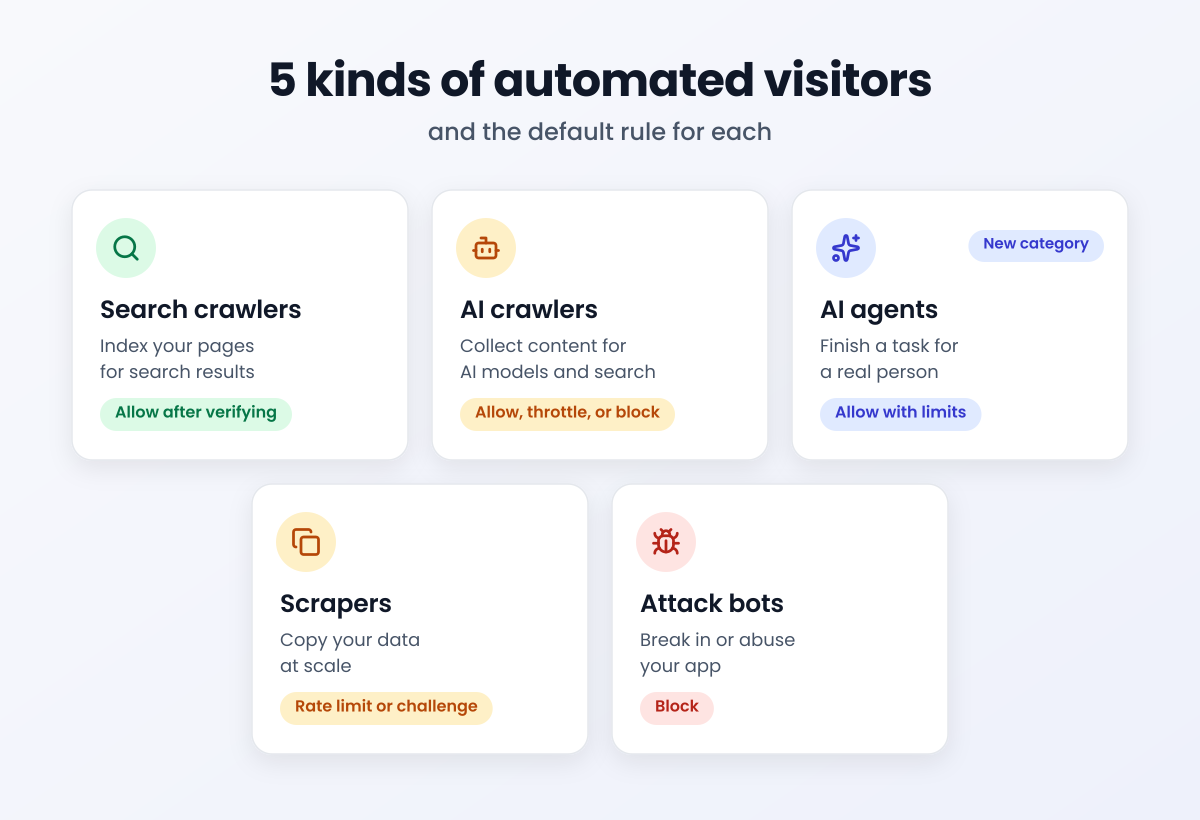
Five kinds of automated visitors show up on most sites, and each one deserves a different rule.
| Visitor | Examples | What it wants | Sensible default |
|---|---|---|---|
| Search engine crawlers | Googlebot, Bingbot | Index your pages for search | Allow, after verifying it's real |
| AI crawlers | OpenAI's GPTBot (training) and OAI-SearchBot (ChatGPT search) | Collect content for AI models and AI search | Allow, throttle, or block, based on your content policy |
| AI agents | Agentic browsers acting for a user | Finish a task, like comparing prices or booking | Allow with limits, and add checks on logins and payments |
| Scrapers | Price and content scrapers | Copy your data at scale | Rate limit, challenge, or block |
| Attack bots | Credential stuffing, brute force, scanners | Break in or abuse your app | Block |
The first two groups usually announce themselves. The last two try hard to look like people, and AI agents sit in between, because the person behind one may be your customer.
Why isn't a user-agent check enough?
A user agent is a label the visitor writes about itself, which makes it the easiest signal to fake. Relying on it fails in four ways:
- Bots impersonate browsers. Thales found that 41% of bot attacks used Chrome to appear legitimate, the same trick Cloudflare described in the Perplexity case.
- Bad bots borrow home internet connections. Residential proxies route traffic through consumer ISP addresses, so a scraper can look like someone on home Wi-Fi.
- Good bots live in the cloud. Search and AI crawlers often run from cloud provider IPs, so blocking every datacenter address blocks the crawlers you want, too.
- One IP isn't one person. Corporate security gateways can put a whole company's staff behind one address, and privacy relays like iCloud Private Relay hide ordinary users. Treat those IPs like a single bot and you lock out real people.
How does IP intelligence tell good bots from bad bots?
IP intelligence turns a visitor's address into signals it can't easily fake. A good lookup returns:
- Bot type and operator: whether the IP belongs to a declared bot, what kind it is (search engine, AI crawler, AI assistant, scraper, scanner, brute force), and who runs it.
- Residential proxy use: whether traffic is routed through a residential proxy network, even when the address belongs to a normal ISP.
- VPN, proxy, and Tor flags: anonymization signals, ideally with provider names and confidence scores.
- Attacker history: whether the IP has been seen in brute force, credential stuffing, or scanning.
- Context flags: cloud hosting, corporate gateways, and privacy relays, so you don't punish many people for one address.
- One threat score: a single number that rolls the signals up for fast decisions.
IPGeolocation.io's IP Security API is one example that returns all six of these signals in a single call. In its own sample, an IP on Microsoft's cloud network comes back as an OpenAI AI crawler and a declared good bot, rather than generic datacenter traffic. Each lookup includes a threat score from 0 to 100, with suggested bands: allow from 1 to 19, combine with other signals from 20 to 44, add friction from 45 to 79, and block or review from 80 to 100. The security data needs a paid plan, starting at $19 a month for 150,000 credits (2 credits per security lookup), and a free lookup box on its product page lets you test any IP first.
| What the lookup shows | What it usually means | Suggested rule |
|---|---|---|
| Known good bot, search engine | A real search crawler | Allow |
| Known good bot, AI crawler | A declared AI crawler like GPTBot | Allow, throttle, or block, per your AI content policy |
| Known good bot, AI assistant | A page fetch triggered by a real user, like ChatGPT-User | Allow with limits |
| Residential proxy plus a high threat score | A scraper or attack bot hiding behind home IPs | Challenge or block |
| Known attacker | An IP seen in brute force or exploit attempts | Block on logins, signups, and APIs |
| Corporate gateway | Many employees behind one address | Relax per-IP rate limits |
| Privacy relay | A privacy-minded real person | Allow with standard checks |
If you only need to confirm search crawlers, there's a free method too. Google documents how to verify Googlebot with a reverse DNS lookup on the IP, followed by a forward lookup to confirm the match.
Search crawler, AI crawler, or AI agent: how should you treat each?
These three are the hardest calls, because none of them is clearly bad. The table below compares them side by side.
| Search crawler | AI crawler | AI agent | |
|---|---|---|---|
| Who sends it | Search engines like Google and Bing | AI companies, like OpenAI with GPTBot | A real person, through an AI tool |
| What it wants | Index pages for search results | Content for AI models and AI search | Finish one task, like comparing prices or booking |
| How to verify | Reverse DNS or an IP lookup | Published IP ranges or an IP lookup | Published IP ranges or signed requests (Web Bot Auth) if declared; behavior if not |
| Default rule | Allow | Allow, throttle, or block, per your policy | Allow with limits |
| Watch for | Fakes using Googlebot's name | Crawlers that ignore robots.txt | Scrapers posing as agents |
Bot traffic checklist for site owners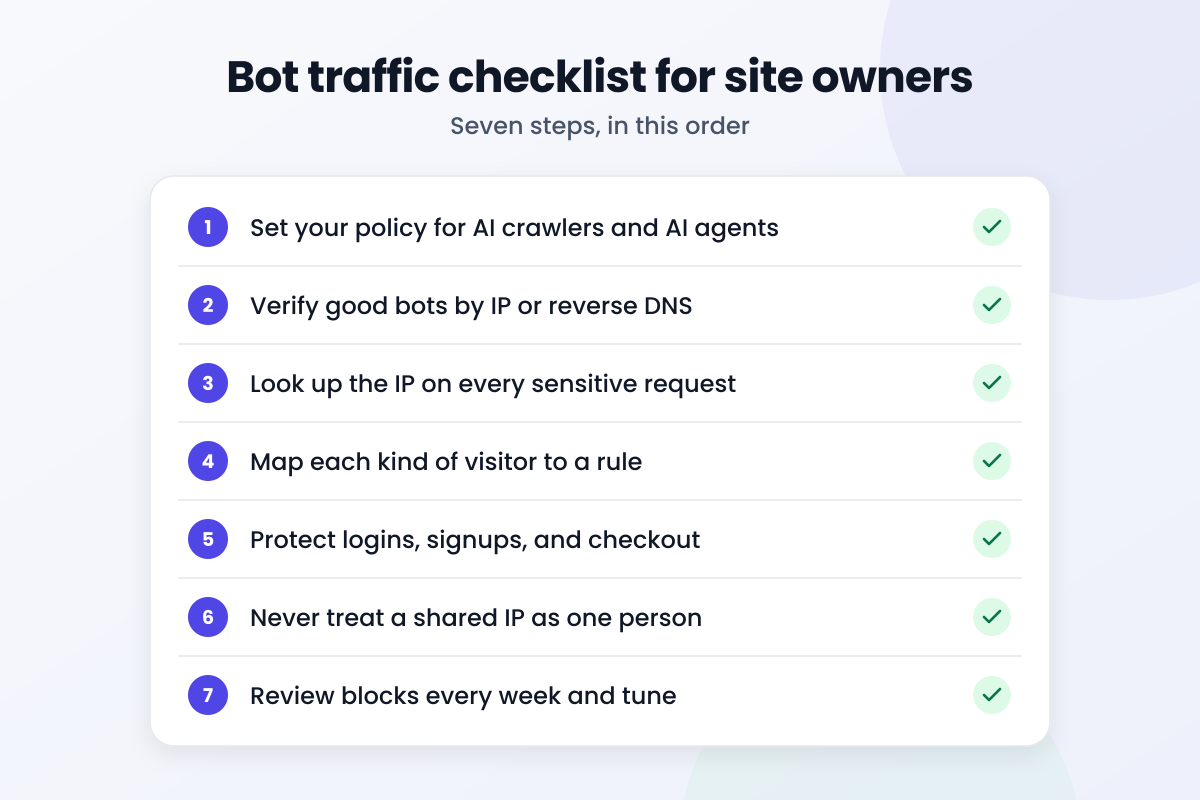
- Set your policy for AI crawlers and AI agents. Decide which ones you allow, throttle, or block, so marketing, product, and security make the same call.
- Verify good bots by IP or reverse DNS. Never trust a crawler's name on its own.
- Look up the IP on every sensitive request. Check bot type, residential proxy use, attacker history, and the threat score.
- Map each kind of visitor to a rule. Allow, throttle, challenge, or block, using the tables above.
- Protect logins, signups, and checkout. Even allowed agents should face the same checks a person would, like MFA or a confirmation step.
- Never treat a shared IP as one person. Relax limits for corporate gateways and privacy relays instead of blocking them.
- Review blocks every week and tune. Request rates, page patterns, and failed logins show what an IP check misses.
The IP Security API documentation lists every bot type value and response field, which makes step 4 easier to automate. Cache results for a few hours so returning visitors don't trigger a fresh lookup on every request.
What can't IP intelligence do?
IP signals are strong, but they're one layer. Know their limits before you build rules on them:
- Rotating residential proxies. Proxy networks cycle through huge pools of home addresses, so some scraper traffic will always slip through on a fresh IP.
- Agents on a user's own device. An AI agent running in someone's browser shares that person's IP, so the address alone can't tell the agent from the human.
- Shared addresses. Mobile carriers and corporate gateways put many people behind one IP, so a hard block can hit innocent users.
- IP is not identity. Pair IP checks with behavior, request rates, device signals, and login history before you make big decisions.
- Cost at scale. Commercial IP data is priced per lookup, so cache results and check only the requests that matter.
FAQ: bad bots and AI agents
What are bad bots?
Bad bots are automated programs built to abuse a website, for example by scraping content, testing stolen passwords, creating fake accounts, or overloading servers. Thales' 2026 Bad Bot Report found they made up 40% of all web traffic in 2025.
Should I block AI crawlers like GPTBot?
Block GPTBot if you don't want your content used to train OpenAI's models. Blocking it won't remove you from ChatGPT search: OpenAI runs a separate crawler, OAI-SearchBot, for search results, and each follows its own robots.txt rule. A middle path is to allow both and throttle the request rate.
Do AI crawlers and agents respect robots.txt?
Declared crawlers like OpenAI's GPTBot say they follow it. Agents that fetch pages for a user are a gray area, and Cloudflare's 2025 report on Perplexity is a good reason not to rely on robots.txt alone.
How do I detect bot traffic on my website?
Combine three things: what the visitor claims to be, what an IP intelligence lookup says about its address, and how it behaves, such as request rates and page patterns. No single signal is enough on its own.
Can an IP address identify an AI agent?
Sometimes. Declared AI crawlers and agents running on cloud servers can often be identified by IP. An agent running in a user's own browser shares that person's IP, so you'll need behavior signals too.
Cloudflare didn't spot the disguised traffic in its Perplexity tests by reading a user agent. It looked at where the requests came from and how they behaved. That's the habit worth copying: decide what each kind of visitor may do, check the IP before you trust the label, and save the friction for the moments that matter.