
Financial API Integration for AI Agents: The MCP Guide
September 3, 2026 · 5 min read
Financial API Integration for AI Agents: The MCP Guide
By Furqan Ashraf, SEO Specialist at JFreaks Software Solutions · Updated 2026
An AI agent that needs today's EUR/USD rate, a live commodity price, or a VAT number check can't rely on what it learned during training, that data is stale the moment a model ships. It needs a live feed. This guide covers how AI agents get that data through the Model Context Protocol (MCP), what financial data is actually available, and how to wire it up.
Defining MCP
MCP (Model Context Protocol) lets an AI assistant use outside tools and live data on its own, the same way you'd hand a new employee a set of keys instead of walking them through every door yourself.
What is an MCP server?
An MCP server is a small program that exposes a set of tools an AI assistant can call directly, in plain language, without you writing integration code for each one. Instead of your agent hitting a REST endpoint you built, parsing the JSON, and handling errors yourself, the MCP server handles the request and hands the assistant a usable answer.
The difference from calling an API directly comes down to who does the plumbing. With a traditional API integration, a developer writes the request, the auth headers, and the response parsing once, in code. With MCP, the assistant discovers the available tools at runtime and calls them itself, based on what the user asked for in natural language. Same underlying data, no glue code required.
This matters for financial data specifically because agents that quote prices, convert amounts, or check compliance numbers need current, correct numbers every time, not a cached snapshot from whenever the model was trained.
Why AI agents need real-time financial data
Agents are increasingly doing tasks that touch money directly: pricing a quote in a customer's local currency, flagging a commodity cost spike, checking whether a vendor's VAT number is real before an invoice goes out. None of that works off stale or hallucinated numbers. An agent that guesses an exchange rate instead of looking one up isn't saving time, it's introducing an error that someone downstream has to catch.
That's the gap a financial data API closes: a single, live source of truth an agent can query mid-conversation instead of falling back on outdated training data.
Currency and FX data for AI agents
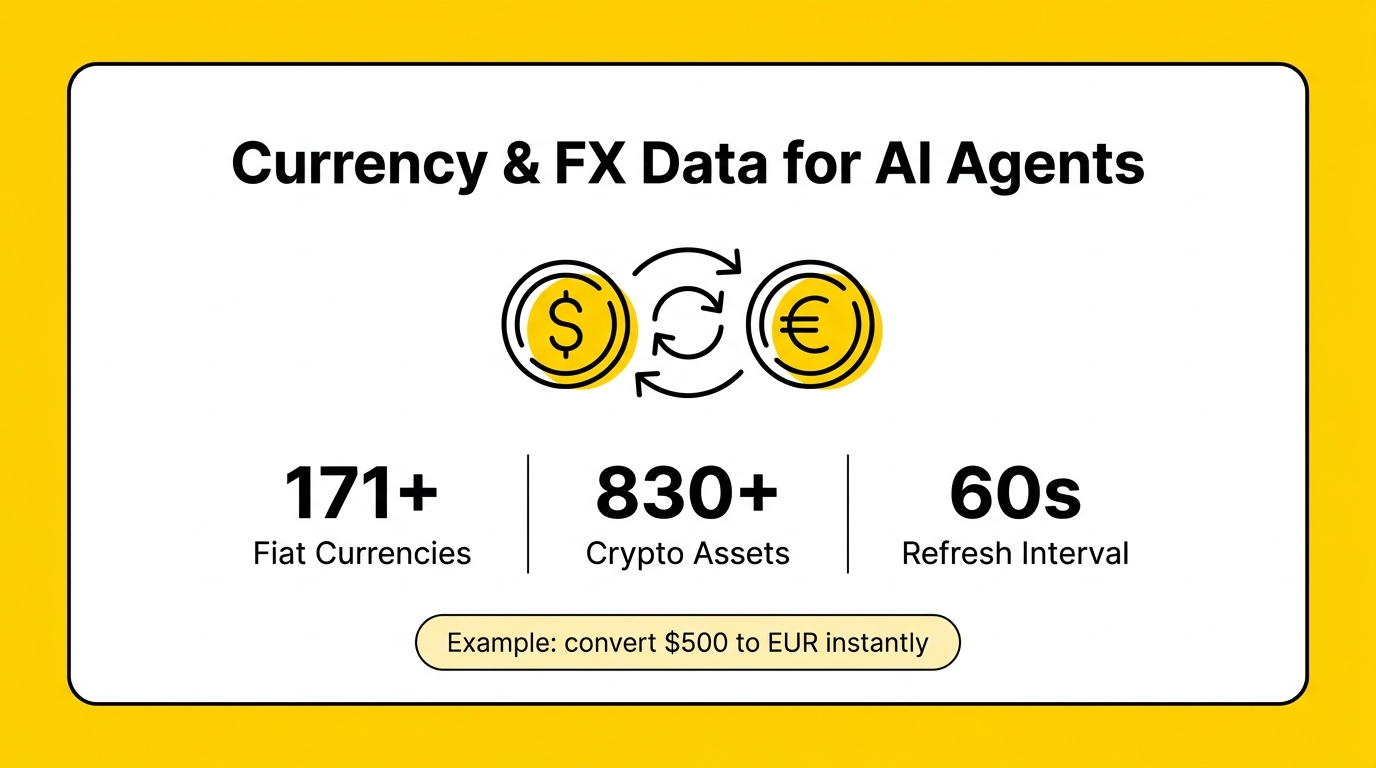
APIFreaks' currency exchange rate API returns live foreign exchange and cryptocurrency rates for 171+ fiat currencies and 830+ digital assets, plus precious metals, from one REST endpoint. Refresh frequency is configurable down to every 60 seconds, and the service runs at 99.9% uptime. Historical rates go back to 1984 for major fiat pairs.
A live rate call looks like this:
curl -X 'GET' \
'https://api.apifreaks.com/v1.0/currency/rates/latest?base=USD&symbols=EUR%2CGBP&updates=1m' \
  -H 'X-apiKey: YOUR-API-KEY'

# Response
{
    "date": "2026-09-03 10:36:00+00",
    "base": "USD",
    "rates": {
        "EUR": "0.862143",
        "GBP": "0.741372"
    }
}
For an agent, the practical version of this isn't a curl command, it's a plain-language request like "convert $500 to EUR at today's rate" or "what's Bitcoin worth in Japanese yen right now," and the MCP server handles the lookup behind the scenes.
Commodity data for AI agents
The same platform covers 130+ commodities, precious and industrial metals, energy, and agriculture, through live price, historical, fluctuation, and time series endpoints, updating every 1 to 10 minutes depending on the commodity, with historical data back to January 1, 1990. A trading or procurement agent can pull a current price, compare it against last quarter, or pull a full time series for trend analysis, all through the same MCP connection it's already using for currency data.
Compliance data for agents handling payments
Currency and commodity prices cover valuation. Compliance data covers whether a transaction is legitimate to process in the first place. APIFreaks' financial module includes VAT rates by country, VAT number validation against the EU's VIES system, IBAN validation, and SWIFT/BIC code lookup.
This is where the "agent integration" part actually shows up in practice. Here's a real example prompt from APIFreaks' own MCP documentation:
"What's the standard VAT rate in Germany? Also validate VAT number DE123456789 against VIES, and check whether GB29 NWBK 6016 1331 9268 19 is a valid IBAN."
That's three separate compliance checks, across two different data types, answered from one natural-language request, no separate integrations for each check.
Data at a glance
| Data type | What it covers | Update frequency | Uptime |
|---|---|---|---|
| Currency (FX & crypto) | 171+ fiat, 830+ crypto, metals | Down to 60 seconds | 99.9% |
| Commodities | 130+ assets: metals, energy, agriculture | Every 1–10 minutes | 99.9% |
| VAT rates & validation | Country VAT rates, VIES number checks | On-demand, live lookup | 99.9% |
| IBAN / SWIFT-BIC | Bank account and routing validation | On-demand, live lookup | 99.9% |
How to connect it
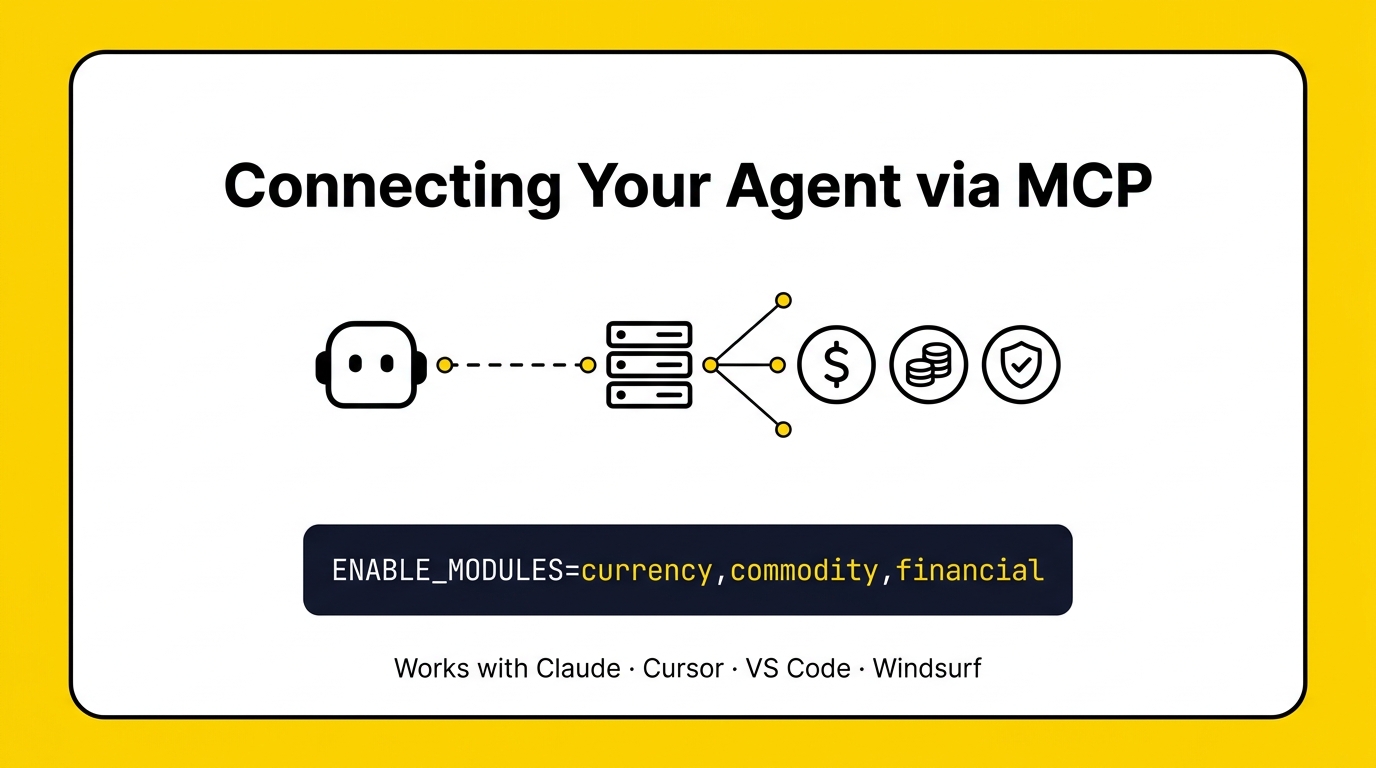
APIFreaks runs an official MCP server for AI agents (@apifreaks/mcp on npm) over stdio, and it works with Claude, Cursor, VS Code, Gemini CLI, Codex CLI, Windsurf, Cline, and OpenCode. Setup needs Node.js v24+, a free API key, and a list of which modules to enable, since the full platform spans 19 modules and 109 tools, more than you'd want advertised to your assistant at once.
For Claude Desktop, add this to claude_desktop_config.json:
{
  "mcpServers": {
    "apifreaks": {
      "command": "npx",
      "args": ["-y", "@apifreaks/mcp"],
      "env": {
        "APIFREAKS_API_KEY": "your_apikey_here",
        "ENABLE_MODULES": "currency,commodity,financial"
      }
    }
  }
}
The ENABLE_MODULES line is what scopes the agent to financial data specifically, currency, commodity, and financial (VAT/IBAN/SWIFT) modules only, without pulling in the platform's other 16 modules (WHOIS, DNS, weather, and so on) that a finance-focused agent doesn't need. Once connected, the agent doesn't need to be told which tool to call, it reads the request and picks the right one.
This follows the same Model Context Protocol specification that Claude, Cursor, and other MCP-compatible clients implement, so the setup pattern here isn't specific to APIFreaks, it's the standard way any of these tools connects an agent to live data. APIFreaks also publishes an llms.txt file at apifreaks.com/llms.txt, a growing convention for making API documentation directly parseable by AI agents and assistants, not just human readers.
FAQ
What is AI agent integration?
It's connecting an AI agent to outside tools or data sources, so the agent can act on live information instead of only its training data. In practice: instead of an agent guessing that $1 is "about 0.9 euros" from memory, it calls a currency API and gets today's actual rate before answering.
What is an MCP server vs API?
An API is what your code calls; an MCP server is what your AI assistant calls directly, in natural language, without you writing the integration code yourself. The MCP server sits in front of the API and exposes it as a set of callable tools.
Can I use MCP with ChatGPT?
Yes. OpenAI added full MCP client support to ChatGPT through "developer mode," available on Business, Team, Enterprise, and Edu plans, alongside native support in Claude and Cursor. Support details vary by plan and client, so check your specific provider's current documentation before assuming a feature is included.
Why do we need an MCP server?
Without one, every new data source means writing custom integration code by hand. An MCP server standardizes that, so an assistant that already speaks MCP can use a new tool the moment it's connected, no custom wrapper needed.
What is the purpose of MCP?
To give AI assistants a consistent way to reach external tools and live data, replacing one-off integrations with a shared, open protocol that any compatible client and any compatible server can speak to each other through.
Conclusion
Financial data for AI agents doesn't need to mean building and maintaining a custom integration for every currency pair, commodity feed, and compliance check. A single MCP connection covers all three, live currency and crypto rates, commodity pricing, and VAT/IBAN/SWIFT validation, through one API key and one setup step. For any agent that touches pricing, payments, or compliance, that's the difference between a real-time answer and a guess.