
Best Tools for AI Agents
November 10, 2026 · 14 min read
An AI agent is only as current as the data it can reach. A language model knows what it saw during training, so any task that depends on today's prices, a new product page, a changed policy or a competitor's launch needs tools that reach the live web and return what they find in a form the model can use.
This guide covers the tools that give an agent that access, in three layers. Search tools find the right pages. Fetch and scraping tools turn a page into Markdown or structured data. Browser tools let an agent click, type and log in when a page cannot be read with a simple request. Some tools cover one layer, and a few cover all three.
The guide compares eight tools on what agents need in practice: coverage of those three layers, how the tool connects (MCP, CLI or API) and what it costs to start. Prices and limits come from each provider's own pages and were checked on 09/11/2026.
Tools for AI agents at a glance
| Tool | Covers | How agents connect | Free allowance | Best for |
|---|---|---|---|---|
| Bright Data | Search, fetch, scrapers, browser | MCP (hosted or local), CLI, API, SDKs | 5,000 requests per month | Going from search to page to browser session in one connection |
| Firecrawl | Search, scrape, crawl, browser sessions | API, SDKs, MCP, CLI | 1,000 credits per month | Clean Markdown from websites |
| Tavily | Search, extract, crawl | API, SDKs | 1,000 credits per month | Search and content extraction for research agents |
| Exa | Search, page contents | API, SDKs, MCP | $10 in credits per month plus a $10 onboarding bonus | Company, people and research queries |
| Brave Search API | Search | API, MCP server | Monthly free credits | Grounding a model with ranked passages in one call |
| SerpApi | Search engine results | API, client libraries, MCP, CLI | 250 searches per month | Exact results pages from many search engines |
| Browserbase | Browser, search, fetch | API, SDKs, Stagehand, Browse CLI, MCP | Free plan: 3 concurrent browsers, 1 browser hour, 1,000 search and 1,000 fetch calls | Browser agents at production scale |
| Anchor Browser | Browser | API, SDK, MCP | 5 credits per month, up to 5 concurrent browsers | Authenticated, logged-in browser workflows |
What an agent needs from its web tools
- Current results: the tool queries the live web or a frequently refreshed index, so the agent is not limited to training data.
- Page retrieval: a search finds a URL, but most tasks also need what is on the page. A tool that returns only snippets adds a second integration.
- Browser control: some pages need clicks, forms or a login before they show their data, and a plain request cannot get that far.
- Structured output: JSON, Markdown or clean text uses fewer tokens than raw HTML and is easier for a model to read.
- Agent-native interfaces: an MCP server, a CLI or an SDK lets the agent connect without custom glue code.
- Predictable cost: a free tier, billing per successful request and spend limits keep an overnight agent run from becoming an expensive surprise.
The 8 best tools for AI agents
1. Bright Data
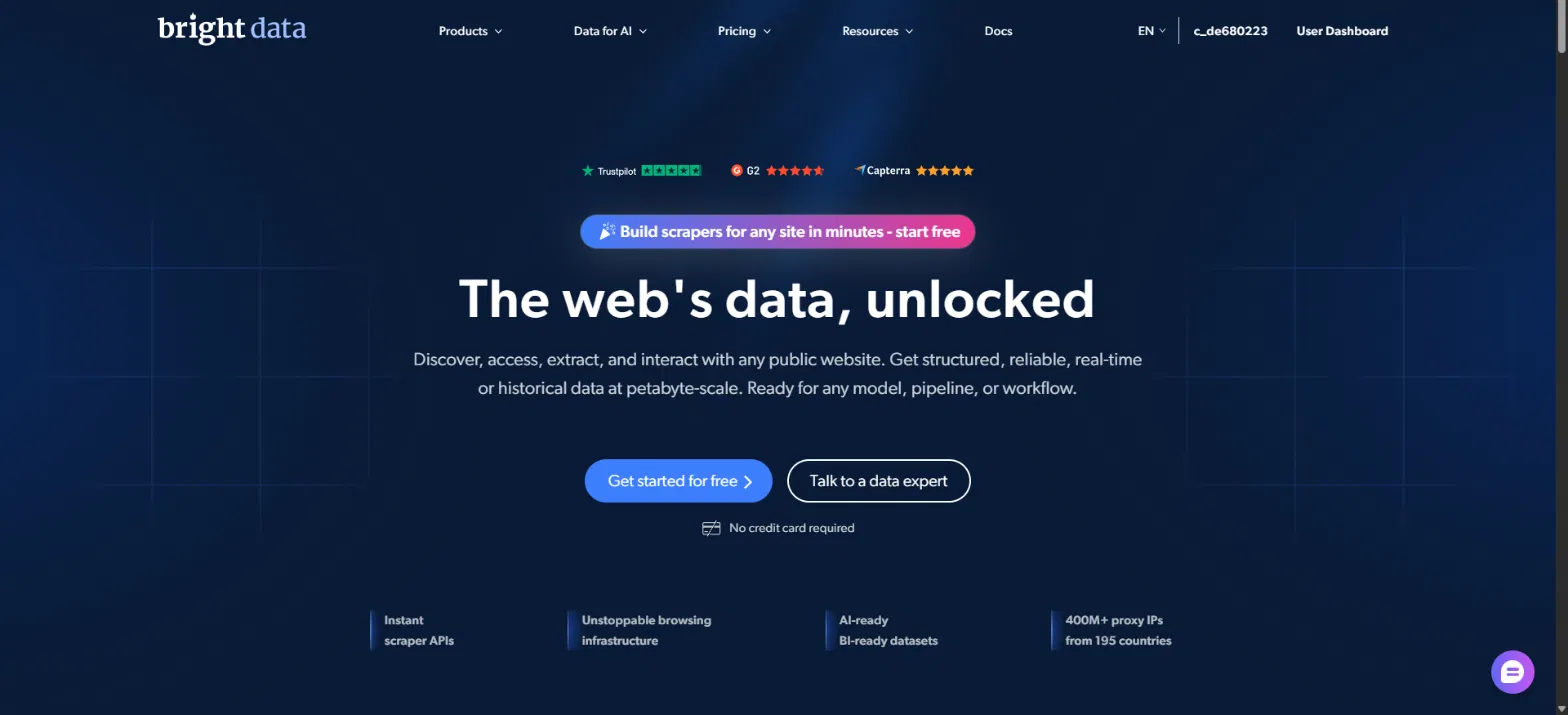
Bright Data is a web data platform whose MCP server and CLI give an agent all three layers through a single connection: search, page fetch and scraping, and browser control. That breadth is why it leads this list. Most agent tasks that begin with a search end with a page fetch, a data extraction or a browser session, and Bright Data covers each step without a second vendor.
The Bright Data MCP server exposes 30 tools to Claude, Cursor and other MCP clients. The search_engine tool queries Bing or Google and returns JSON with the link, title and description of each organic result, ten per page, with country and time range filters. It runs on the SERP API. The scrape_as_markdown tool runs on the Fetch API and returns a page as Markdown, plain text, HTML or schema.org JSON. Batch versions run up to five searches or five pages at once. For sites such as Amazon or LinkedIn, an agent can find one of thousands of pre-built scrapers with search_scrapers and run it with run_scraper to get structured JSON. A group of browser tools handles pages that need clicks, typing or screenshots. Two further tools, chatgpt_ai_insights and perplexity_ai_insights, send a prompt to ChatGPT or Perplexity and return the answer as Markdown. Bright Data positions them for generative engine optimization (GEO) checks and for using one model to judge another.
The hosted server runs at mcp.brightdata.com and authenticates with an API token. A self-hosted local server is also available. Tool groups, such as groups=scrapers,browser, limit which tools the agent sees and reduce the context it uses.
The Fetch API (formerly the Crawl API) turns any public URL into Markdown, plain text, raw HTML and JSON-LD in one record. Bright Data handles proxies, CAPTCHAs and blocking, and each request fetches the live page, with no cached copy. A synchronous request is meant for one URL at a time, and an asynchronous request accepts any number of URLs, up to 1 GB of input per job, with delivery by API download, webhook, Amazon S3, Snowflake, Azure or Google Cloud Storage. Billing is per successful record. The Fetch API does not parse site-specific fields such as prices, so agents use a platform scraper when they need those as structured JSON.
The Browser API runs scripts on fully managed cloud browsers instead of browsers the team operates. Bright Data handles proxy rotation across networks that include residential IPs, browser fingerprint management, CAPTCHA detection and solving, and retries. It works with Puppeteer, Playwright and Selenium, supports unlimited concurrent sessions, and suits JavaScript-heavy sites, forms, multi-step flows and pages with advanced bot detection. The MCP server exposes it through its scraping_browser tools, and the CLI through brightdata browser.
[Screenshot: Bright Data SERP API pricing cards, provided by Daniel. Frame the Free tier (5K requests) and Pay as you go ($1.50 per 1K requests) cards. Alt text: Bright Data SERP API pricing showing a free tier of 5K requests per month and pay as you go at $1.50 per 1,000 requests.]
The Bright Data CLI covers the same ground from a terminal or a coding agent. After a single login through OAuth, device flow or an API key, brightdata scrape returns clean markdown from a URL, brightdata search queries Google, Bing or Yandex, brightdata pipelines runs the pre-built scrapers, and brightdata browser opens a remote browser session. The alias bdata works the same way. Output is pipe-friendly with JSON, CSV or markdown, and brightdata add mcp installs the MCP server into coding agents such as Claude Code, Cursor and Codex.
Every new account includes 5,000 free credits per month with no credit card, shared across the SERP API, Fetch API, Web Scraper API and Browser API, and across MCP server requests. The Browser API uses 5 credits per MB of traffic, so the full allowance covers nearly 1 GB of browser traffic. Credits do not roll over. Bright Data uses a prepaid wallet, so an account without funds stops at the limit instead of being billed. The SERP API costs $1.50 per 1,000 requests on pay as you go, bills only for successful requests, supports monthly spend limits and has no concurrency cap. Failed requests are not billed by default, and parsing and unlocking are included with no bandwidth fees.
Bright Data is a broader platform than most agents need on day one. A team that only needs ranked snippets for a chatbot can use the search tool alone. The scrape_as_markdown tool does not render JavaScript, so script-heavy pages go through the browser tools.
Key features
- 30 MCP tools covering search, page fetch, pre-built scrapers, browser control and GEO checks
- Fetch API for any public URL as Markdown, text, HTML and JSON-LD, with sync and async modes
- Browser API on managed cloud browsers, with CAPTCHA solving and Puppeteer, Playwright and Selenium support
- CLI (brightdata and bdata) with scrape, search, pipelines and browser commands
- 5,000 free credits per month with no credit card, and SERP API at $1.50 per 1,000 successful requests
Best for: agents that need to go from a search to a page to a browser session, with structured data along the way, without stitching together several vendors.
2. Firecrawl
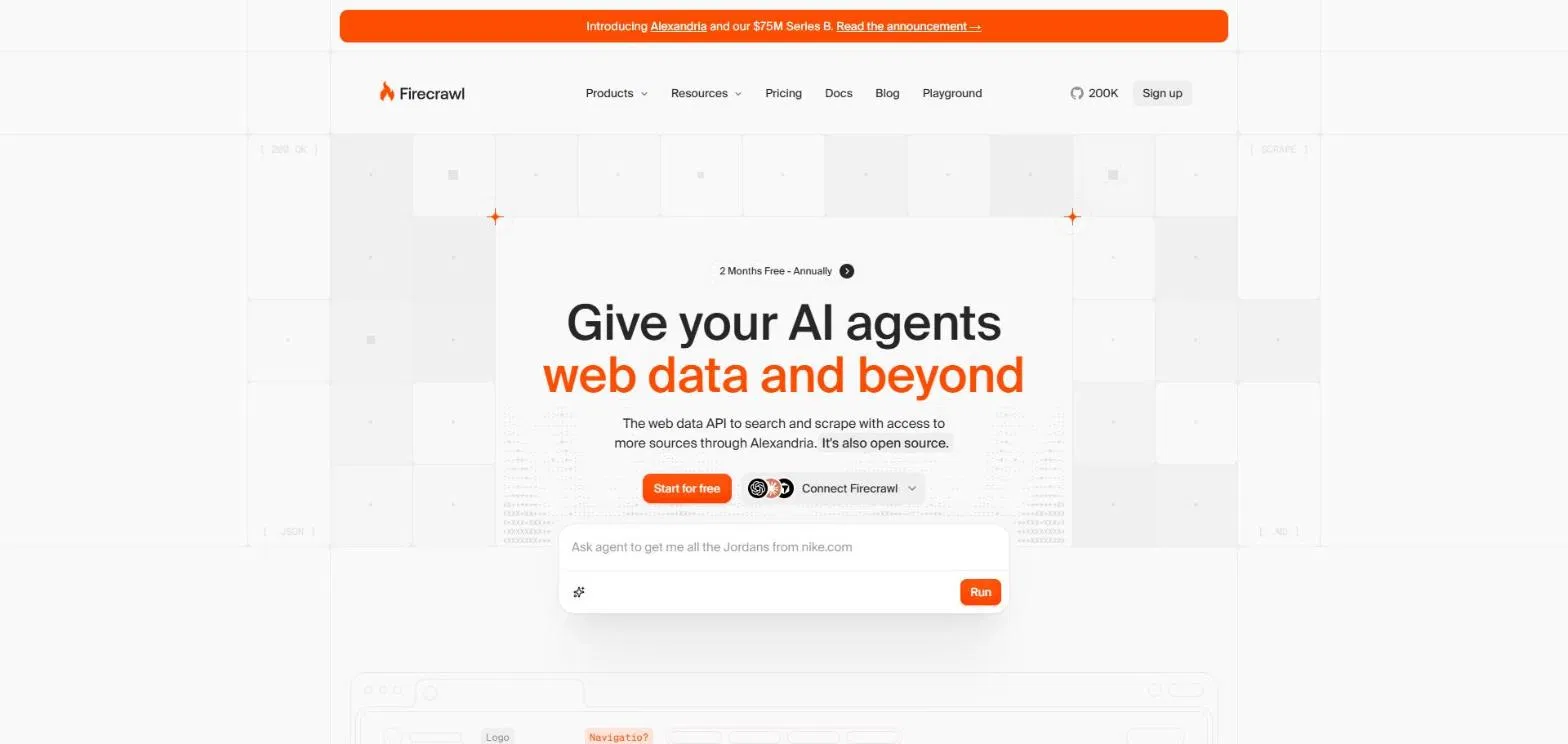
Firecrawl turns websites into clean Markdown or structured data and also offers web search. Its endpoints cover Search, Scrape, Crawl, Map, Interact for browser sessions and Monitor. Credits are shared across endpoints: scraping and crawling cost 1 credit per page, search costs 2 credits per 10 results, and a browser session costs 2 credits per minute. A scrape that returns no result is not charged, but a page that responds with an error such as 403 or 404 still costs 1 credit. Firecrawl publishes its code on GitHub, and the AI Agent Store directory lists MCP and CLI access.
The free plan includes 1,000 credits per month with no credit card. Hobby costs $19 per month, or $16 billed annually, for 5,000 credits. Standard costs $99 per month, or $83 billed annually, for 100,000 credits. Higher plans add concurrency and support, and paid plans can buy extra credits in $5 increments.
Key features
- Search, Scrape, Crawl, Map, Interact and Monitor endpoints
- One shared credit balance across endpoints
- Open code on GitHub
Best for: agents that mainly need clean page content from known sites.
3. Tavily
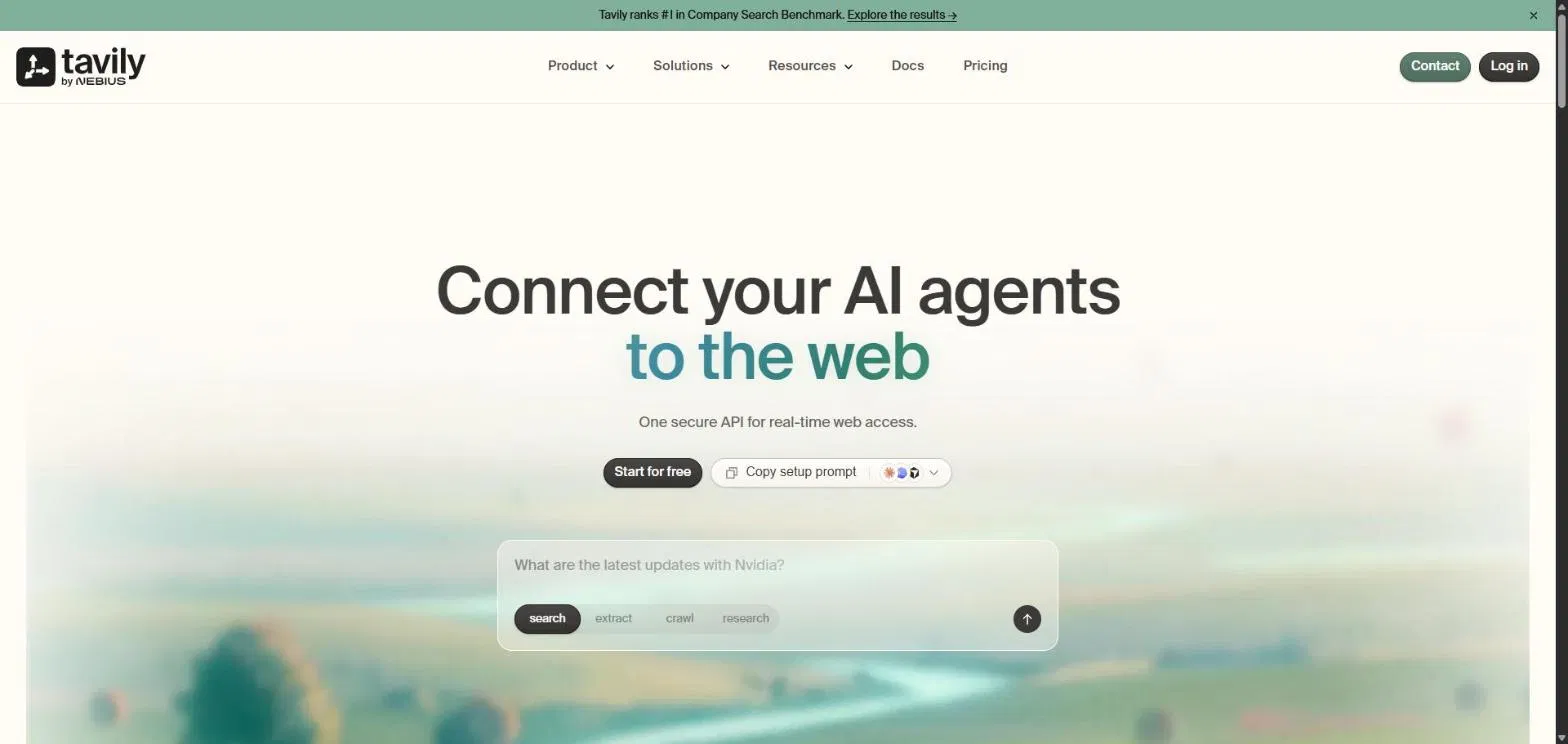
Tavily, which now operates as part of Nebius, offers a web access layer built for AI agents. Its endpoints cover Search, Extract, Research, Crawl and Map, so an agent can find pages, pull clean content from them, crawl a whole site or hand a question to a research endpoint. Results are formatted for language models rather than for people, which reduces the cleanup an agent does before it reasons over them. Tavily says more than 3 million developers use it.
The free Researcher plan includes 1,000 API credits per month with no credit card. Pay as you go costs $0.008 per credit, and the Project plan starts at $30 per month for 4,000 credits. Credits are used at different rates depending on the request type, and they reset on the first day of each month. Students can use Tavily at no cost, and startups can apply for 100,000 free credits. Its endpoint list centers on search, extraction and crawling rather than browser control or pre-built site scrapers.
Key features
- Search, Extract, Research, Crawl and Map endpoints
- Output formatted for language models
- Free tier, pay as you go and a $30 monthly plan
Best for: research agents that need search results and cleaned page content from one API.
4. Exa
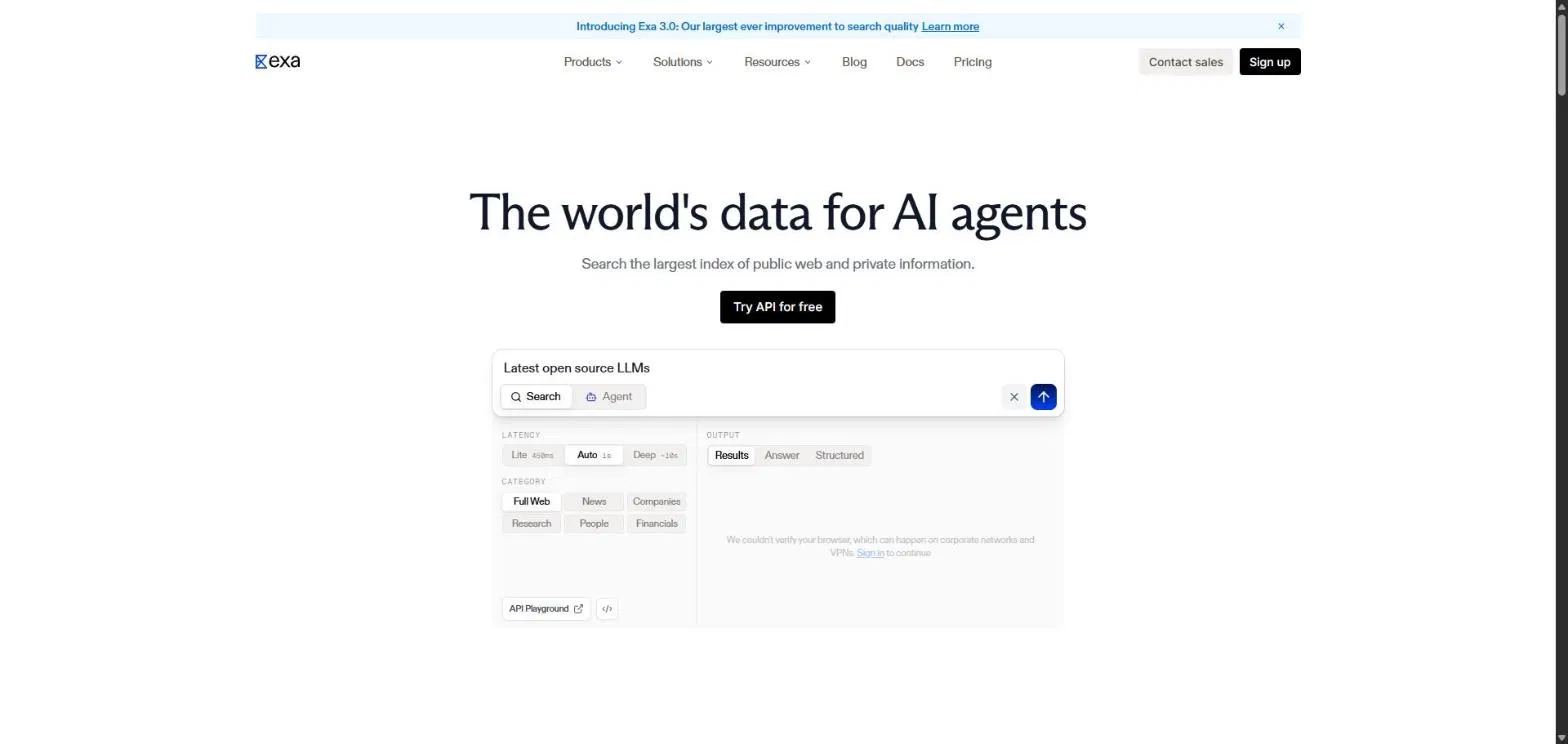
Exa is a search API for AI applications with three search modes: Lite, Auto and Deep. An agent can choose lower latency or more depth per request, and Exa lists configurable latency from 450 ms to 1 second. Its indexes cover the web, people, companies and scholarly works. A Contents API returns full page text and highlights, an Agent API runs asynchronous research with structured outputs and citations, and Monitors run searches on a schedule and send updates by webhook. Exa offers an MCP server and a Claude connector.
The free plan gives $10 in credits every month plus a $10 onboarding bonus, with no payment method required. Search starts at $4 per 1,000 requests for Lite, $7 for Auto and $12 for Deep, each with up to 10 results, and extra results cost $1 per 1,000 requests. Contents costs $1 per 1,000 pages. Zero data retention is available on an Enterprise plan with a $12,000 annual commitment.
Key features
- Lite, Auto and Deep search modes
- Web, people, company and scholarly indexes
- MCP server, Claude connector and 50+ integrations
Best for: agents that research companies, people and academic sources.
5. Brave Search API
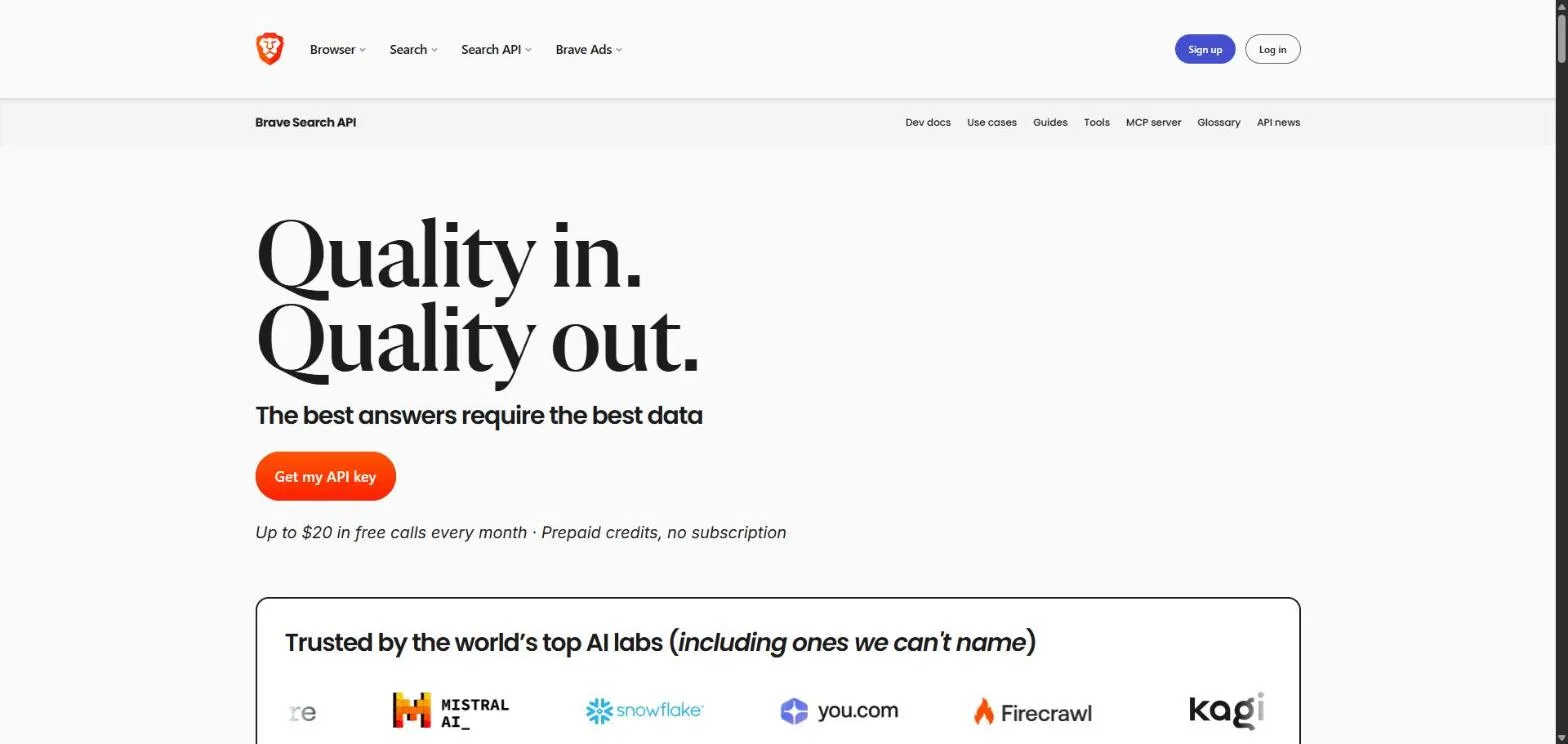
Brave Search API serves results from Brave's own web index. Brave states that every result comes from that index, with no fallback to Google or Bing. For agents, the LLM Context endpoint returns ranked, extracted passages from pages, including text, tables and code, in a single call, with a token budget configurable from about 1,000 to about 33,000 tokens. Goggles let a developer re-rank results or restrict them to chosen domains. Other endpoints cover news, images, video, places and Answers, and Brave publishes an MCP server on GitHub.
The Search plan costs $5 per 1,000 requests with monthly free credits applied automatically, at up to 50 queries per second. Answers costs $4 per 1,000 requests plus $5 per million input and output tokens, at up to 2 queries per second. Brave uses prepaid credits instead of a subscription and asks for a credit card to prevent abuse. Brave is SOC 2 Type II attested.
Key features
- Independent web index
- LLM Context endpoint with a configurable token budget
- Goggles for custom re-ranking and domain filtering
- Prepaid credits with no subscription
Best for: grounding a model with ranked passages from a single API call.
6. SerpApi
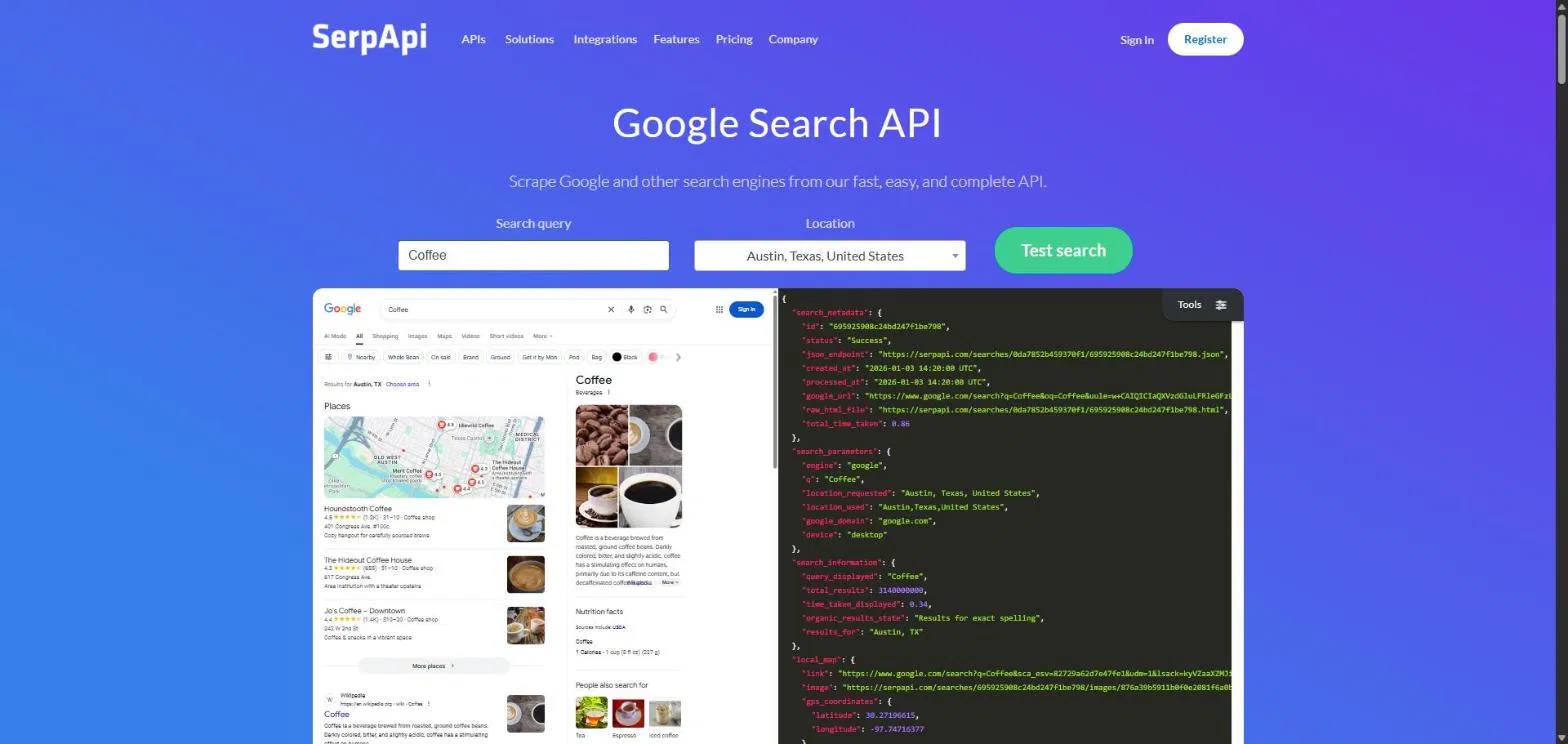
SerpApi returns structured JSON from search engine result pages. Its catalog goes beyond Google Search to include Google AI Mode, Google AI Overview, Bing, Bing Copilot, Baidu, DuckDuckGo and Yandex, along with shopping, maps, jobs and app store data. That suits agents that need the exact results page a person would see, such as for SEO checks, price monitoring or tracking how AI search features answer a query. A response with 100 results counts as one search, and only successful searches count toward the monthly limit. SerpApi supports MCP clients and a CLI.
The free plan includes 250 searches per month. Paid plans are Starter at $25 per month for 1,000 searches, Developer at $75 for 5,000, Production at $150 for 15,000 and Big Data at $275 for 30,000. SerpApi lists SOC 2 Type II, SOC 3 and ISO 27001 certifications, and its ZeroTrace Mode does not store search parameters or data.
Key features
- Search engine, shopping, maps and AI results APIs in one catalog
- One search counted per successful response, whatever the number of results
- ZeroTrace Mode for data privacy
Best for: SEO, price monitoring and agents that need results exactly as a search engine shows them.
7. Browserbase
Browserbase is cloud browser infrastructure for agents. Its platform includes hosted Browsers, managed Agents, Search and Fetch APIs, a Runtime for deploying agents, Identity for authenticated access, a Model Gateway and Observability. Browserbase also maintains two open-source tools: Stagehand, an AI browser automation framework, and the Browse CLI. It works with Playwright, Puppeteer and Selenium, and publishes an MCP page for agent clients.
The Free plan costs nothing and includes 3 concurrent browsers, 1 browser hour, 1,000 search calls, 1,000 fetch calls and 15-minute sessions. The Developer plan costs $20 per month for 25 concurrent browsers and 100 browser hours, then $0.12 per browser hour, with automatic CAPTCHA solving. The Startup plan costs $99 per month for 100 concurrent browsers and 500 browser hours, then $0.10 per hour. Search costs $5 per 1,000 calls by default, and Fetch costs $1 per 1,000 calls on Developer and $0.50 on Startup, with extra charges for proxies and extraction. Browserbase states that it is SOC 2 compliant.
Key features
- Hosted browsers with Playwright, Puppeteer and Selenium support
- Search and Fetch APIs next to the browser
- Stagehand and Browse CLI as open-source tools
Best for: teams that run browser agents in production and want browsers, search and fetch from one vendor.
8. Anchor Browser
Anchor Browser provides cloud browsers for agents that work behind logins. Its OmniConnect feature manages authentication for computer-use agents, Anchor Chromium is a modified browser built to be recognized as a human, and a Web Action Cache turns proven interactions into deterministic workflows. Anchor is a verified partner of Cloudflare's Web Bot Auth, can run in a customer's own cloud, and connects through an SDK, MCP or automation platforms.
The Free plan includes 5 credits per month, up to 5 concurrent browsers and up to 500 browser sessions. Starter costs $50 per month for 50 credits and adds logged-in browsers and automated CAPTCHA bypass. Team costs $500 per month for 500 credits and 50 concurrent browsers. Growth costs $2,000 per month for 2,000 credits and 200 concurrent browsers, with SOC 2 Type 2, ISO 27001 and GDPR compliance. A completed task uses 0.1 credits, and overage costs $1.00 per credit.
Key features
- OmniConnect authentication for logged-in sessions
- Anchor Chromium and Cloudflare-verified browser agents
- Bring-your-own-cloud and on-premises options
Best for: agents that work inside authenticated sites and need managed logins.
Three layers of web tools for AI agents
The tools above fall into three layers, and knowing which one an agent needs prevents a mismatch.
- Search: Tavily, Exa, Brave Search API and SerpApi find pages and return ranked results, passages or results pages as JSON.
- Fetch and scrape: Firecrawl and the Bright Data Fetch API return a page as Markdown or structured data.
- Browser: Browserbase, Anchor Browser and the Bright Data Browser API run real browsers for pages that need clicks, forms or logins.
Bright Data is the only entry here that covers all three layers through one MCP server and one CLI. Firecrawl and Browserbase cover two or more through their own APIs, and the others focus on one layer.
How to choose
- Agent that searches, reads pages, runs browser sessions and collects structured data such as product listings, prices or company profiles: Bright Data.
- Agent that mostly turns known websites into Markdown: Firecrawl.
- Research assistant that needs cleaned content and ranked results: Tavily or Exa.
- Agent that needs ranked passages from a single call and control over which domains it uses: Brave Search API.
- SEO, price tracking or AI search monitoring that needs exact results pages: SerpApi, or the Bright Data SERP API.
- Browser agents with their own logic that need hosted browsers: Browserbase or the Bright Data Browser API.
- Agents that work behind logins: Anchor Browser, or Browserbase with Identity.
Frequently asked questions
What are the best tools for AI agents?
It depends on what the agent does. On the criteria in this guide, Bright Data is the strongest choice for agents that need search, page fetch, structured scrapers and browser control through one MCP server or CLI. Tavily, Exa and Brave Search API suit agents that mainly search, Firecrawl suits agents that mainly read pages, and Browserbase and Anchor Browser suit agents that mainly operate a browser.
What is the difference between a fetch API and a browser API?
A fetch API retrieves a page and returns its content as Markdown, text, HTML or JSON-LD, which is fast and cheap for pages that do not need interaction. A browser API runs a real browser that can click, type, scroll and log in, which suits JavaScript-heavy sites and multi-step flows. In the Bright Data MCP server, scrape_as_markdown runs on the Fetch API and does not render JavaScript, and the scraping_browser tools run on the Browser API.
What is an MCP server for web access?
An MCP server exposes tools through the Model Context Protocol so that clients such as Claude and Cursor can call them without custom integration code. A web access MCP server typically provides tools to search the web, fetch pages and control a browser. The Bright Data MCP server provides 30 tools across those areas.
What is the difference between an MCP server and a CLI for agents?
An MCP server gives an agent tools through a protocol its client already understands. A CLI lets a coding agent, a script or a CI job call the same capabilities from a terminal and pipe the output into other commands. The Bright Data CLI supports JSON output and an API key environment variable for non-interactive use, and brightdata add mcp installs the MCP server into coding agents.
Which of these tools have a free tier?
All eight have a free way to start. Bright Data includes 5,000 credits per month, Firecrawl 1,000 credits per month, Tavily 1,000 credits per month, Exa $10 in credits per month, SerpApi 250 searches per month, Browserbase a Free plan with 1 browser hour, and Anchor Browser 5 credits per month. Brave Search API applies monthly free credits to every account.
How should an agent treat content it retrieves from the web?
As evidence, not as instructions. A retrieved page can contain text written to manipulate an agent, so retrieved content should not authorize actions. Keep the source URL and retrieval time with each result, check sampled values against the original pages, and report unavailable sources instead of filling gaps with guesses.
Conclusion
The best tools for an AI agent depend on how much of the web the agent has to reach. Tavily, Exa, Brave Search API and SerpApi cover search, Firecrawl covers page content, and Browserbase and Anchor Browser cover browser work. Bright Data ranks first because one MCP server or CLI covers search, the Fetch API, structured scrapers and the Browser API, with 5,000 free credits per month to test it on real tasks.