
Best 5 AI Tools for Creating Flashcards and Study Materials
September 3, 2026 · 4 min read

When studying alone, students need all the help they can get. If the student couldn't take notes in class or couldn't even attend lectures, any resource that can help them understand concepts and practice better would propel them towards a better outcome.
Thanks to AI, there are platforms and tools that can help students prepare better study materials, like flashcards, within seconds.
The strongest choice depends on whether you need trustworthy source-grounded materials, flashcards, or a full study workflow. Here are the top five tools that can help you make effective study materials.
RemNote
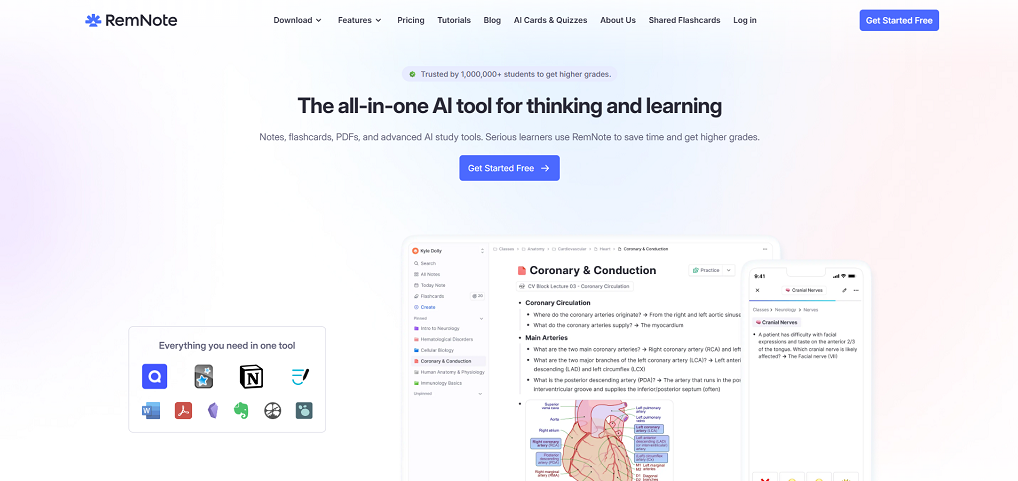
RemNote is an AI-driven learning platform that bundles an array of tools, including one for note-taking, for PDP annotation, AI flashcard creation, and spaced-repetition review.
Instead of needing multiple tools for various tasks, you can easily turn ideas from your notes, readings, slides, or PDFS into review cards as you learn.
Other than generating flashcards, this AI tool can also generate summaries, explanations, and quizzes from the study material.
This tool is particularly useful for a large volume of connected information, like law, medicine, science, languages, and exam preparation. It helps you create linked notes, or ‘hierarchical organization,’ where information is arranged from broad ideas to smaller details.
For example, when studying Biology, the flashcard can go from cells to organelles, to the nucleus and mitochondria, so that you can practice in that order, remembering both information and connection.
The platform has two standout features. The first one is its spaced repetition, which automatically schedules flashcard reviews around when you are most likely to forget a card’s information.
The other feature is the integration of notes and flashcards. This allows you to create flashcards within structured notes, so that it stays connected to the notes, and any change within the notes will be immediately reflected in the card, keeping it always updated.
Google NotebookLM
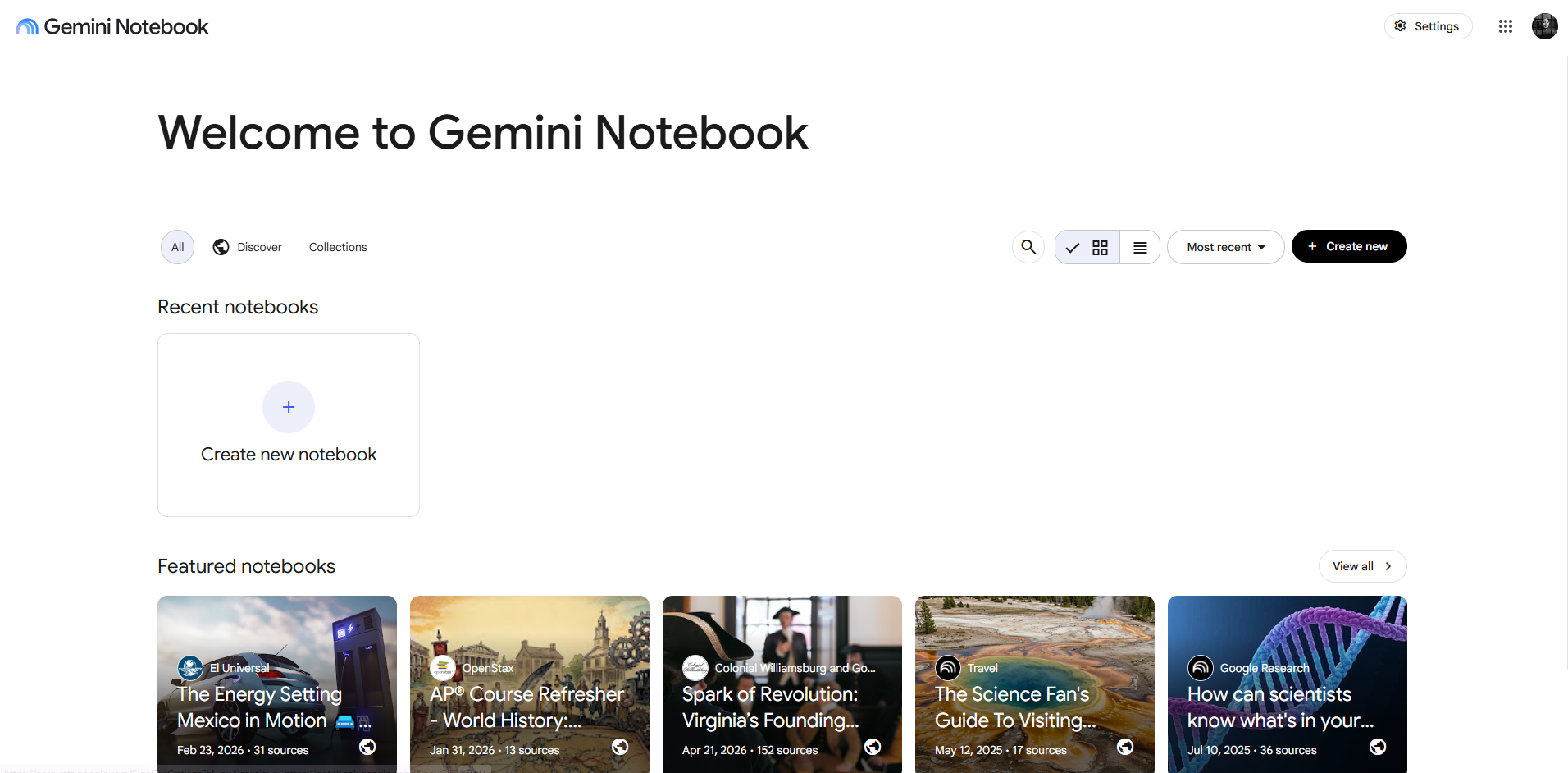
Google NotebookLM is an AI tool that is designed for research and study, helping learners work with whatever materials they have.
Users can directly upload any type of study material like PDFs, Google Docs, web pages, slides, and YouTube videos into the platform, and then engage with them in various ways. They can ask questions, request summaries, and generate any type of study aids from that content. This can include study guides, flashcards, quizzes, mind maps, and audio overviews.
The tool’s capacity to turn complex materials into an easy-to-review format is what makes it good for students. Perhaps its best feature is its source-grounded responses, as answers include citations that point back to the uploaded materials, making it easier to verify claims and reduce unsupported AI output.
Quizlet

Quizlet is an AI tool that is widely used by learners to find, create, share, and review flashcards. Users can create flashcards using terms, definitions, and images. They can also use sets created by teachers or other students. It helps them turn notes, slides, and videos into flashcards and practice tests.
The tool has some special features that can help users learn faster and more effectively, like its interactive study mode called Learn, which turns flashcards into adaptive practice questions that adjust according to what the learner already knows and what still needs to be reviewed further.
Quizlet also comes with a large library of ready-made material across subjects that can be accessed anytime, and is accessible through mobile, making it suitable for vocabulary learning, test preparation, and classroom revision. Some of these materials were community-created, so they must be checked before use to ensure they are accurate and error-free.
For learners who want more flexibility or different study features, exploring a free Quizlet alternative can also be a practical option.
Knowt

Similar to Quizlet, Knowt is also an AI-powered study platform that can help students to create and review learning materials. It can help turn physical notes, documents, and any other type of course materials into study guides, summaries, flashcards, and practice quizzes.
The tool comes with various study modes, including flashcard reviews, matching activities, tests, and spaced repetition. So, instead of just rereading materials for learning and practice, students can practice active recall in various ways.
Knowt’s special feature is helping learners organize study content, exam preparation, and vocabulary content. The material can be about any subject, and the tool will help students create review content that is effective.
The tool allows you to import content directly from Google Drive and use materials like PDFs and lecture videos to create study material and practice assessments.
The practice quizzes it makes can include multiple-choice, fill-in-the-blank, and short-answer questions that give learners more active ways to test their understanding and knowledge retention. Teachers can use the tool to distribute materials, and students can collaborate or review the same sets.
ChatGPT
If a learner prefers a less structured approach to processing study materials, they can use ChatGPT or any LLM they prefer. They can use either the free or the paid version to create summaries, notes, flashcards, and quizzes; however, the free version comes with an upload limit.
A dedicated flashcard application has some limitations, but with ChatGPT you have more control. You get to customize the output more and ask for beginner-friendly cards, specific exam-style questions, and real-world examples.
ChatGPT would be able to adapt materials to a specific subject, grade level, preferred format, or learning goals. You can easily create things like tables, short-answer prompts, or step-by-step revision guides.
This AI tool is particularly good at turning unstructured notes into more organized study resources. However, ChatGPT is quite prone to AI hallucinations, so fact-checking generated materials is a must.
Try to limit its output to whatever material you give it, instead of allowing it to generate freely from its own data pool.
Final Thoughts
You can use any of these AI-driven tools to create study materials that can supplement your learning, or even assessments like various patterns of questions you can practice answering.
Any AI tool can be prone to errors and inaccuracies. So, make sure that you fact-check outputs by checking them against the notes you have or other knowledge resources. You can also use a hallucination detection tool to ensure your output is safe to use.
Use these tools to become more effective with learning, ensuring that your study materials are arranged in a mode that helps you synthesize and retain concepts and information faster and for longer. They can work as your AI assistant, providing you with the help you need to become a better learner.