
How AI Agents and Office Automation Improve Windows Productivity
June 24, 2026 · 3 min read
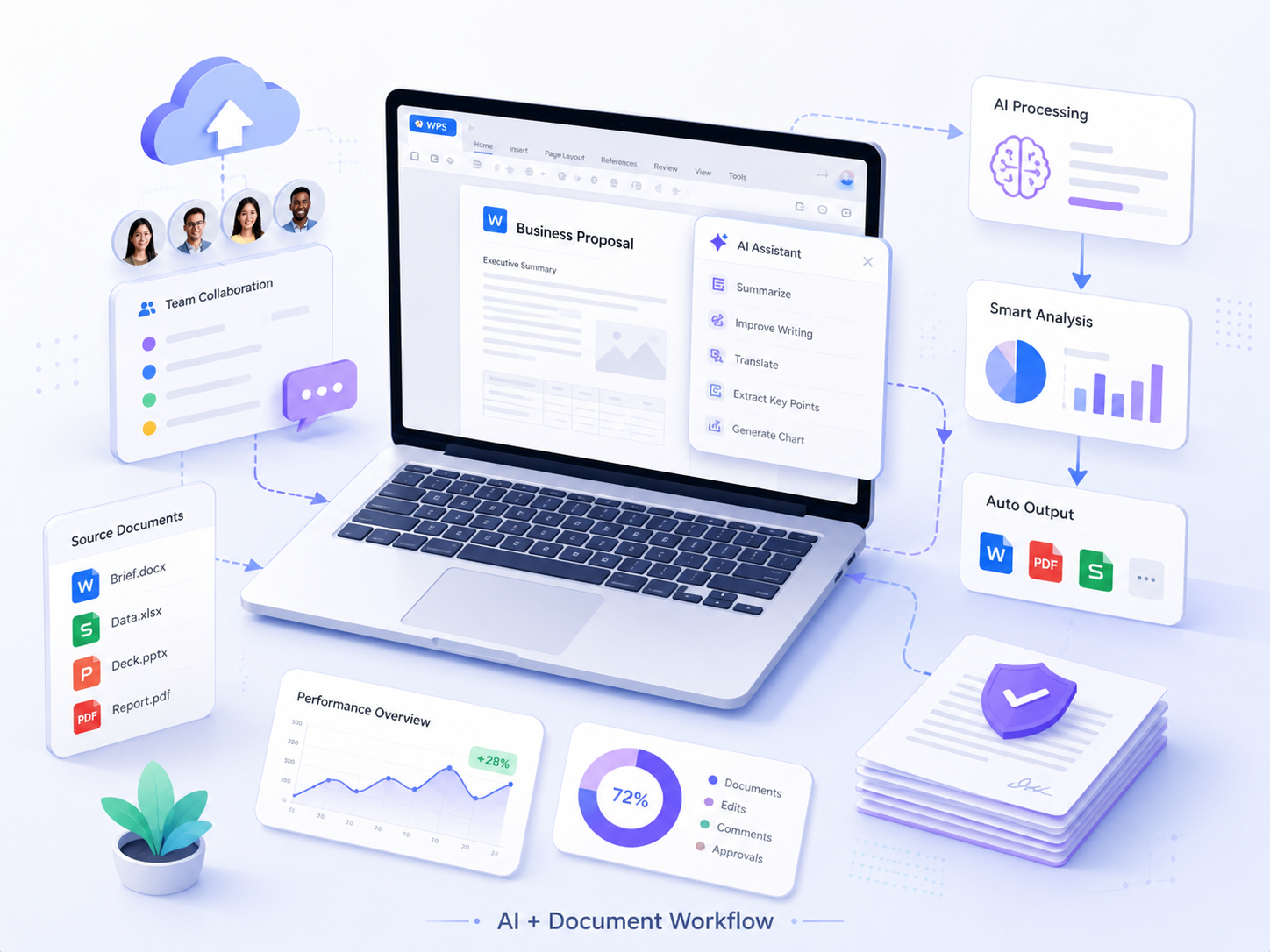
Figure 1. AI-assisted document workflows can improve office productivity across teams.
Introduction
AI agents are changing how teams think about productivity. Instead of treating automation as a separate technical project, many organizations are beginning to use AI-assisted workflows inside everyday office tasks. Document drafting, file organization, meeting preparation, research summaries, and approval tracking can all benefit from smarter automation.
For Windows-based teams, this shift is especially practical. Many business users already spend most of their day inside document editors, spreadsheets, browsers, email clients, and communication tools. AI agents can help connect these activities into a more efficient workflow, reducing repetitive manual steps while keeping users focused on higher-value work.
The goal is not to replace office software. The goal is to make office software more useful by connecting it with automation, context awareness, and task support.
Where AI agents add value in office workflows
AI agents are most useful when they handle routine actions that consume time but do not require deep human judgment. For example, an agent can summarize a long document, prepare a first draft from meeting notes, extract action items, organize research, or suggest edits based on tone and purpose.
In many teams, these small improvements add up. A project manager may save time preparing weekly updates. A sales representative may draft proposals faster. A content team may organize outlines and briefs with less manual formatting. When AI assistance is built into a familiar office workflow, adoption becomes more natural.
Windows productivity and document automation
Windows remains a common environment for business productivity because it supports a broad range of office, communication, and workflow applications. This makes it a practical environment for automation. Users can move between documents, spreadsheets, browser research, cloud storage, and communication tools while AI agents help reduce repetitive context switching.
Document automation is one of the clearest use cases. Teams can standardize templates, generate summaries, compare versions, and prepare review-ready drafts. The result is a workflow where people spend less time formatting and more time improving substance.
Practical setup for Windows office users
For teams building a Windows-based document workflow, users often need clear setup guidance for wps 电脑版下载 so that desktop productivity tools can be deployed consistently across different devices and work environments.
General users may also search for wps下载 when comparing office software options, preparing new devices, or standardizing a lightweight document editing workflow for daily business tasks.
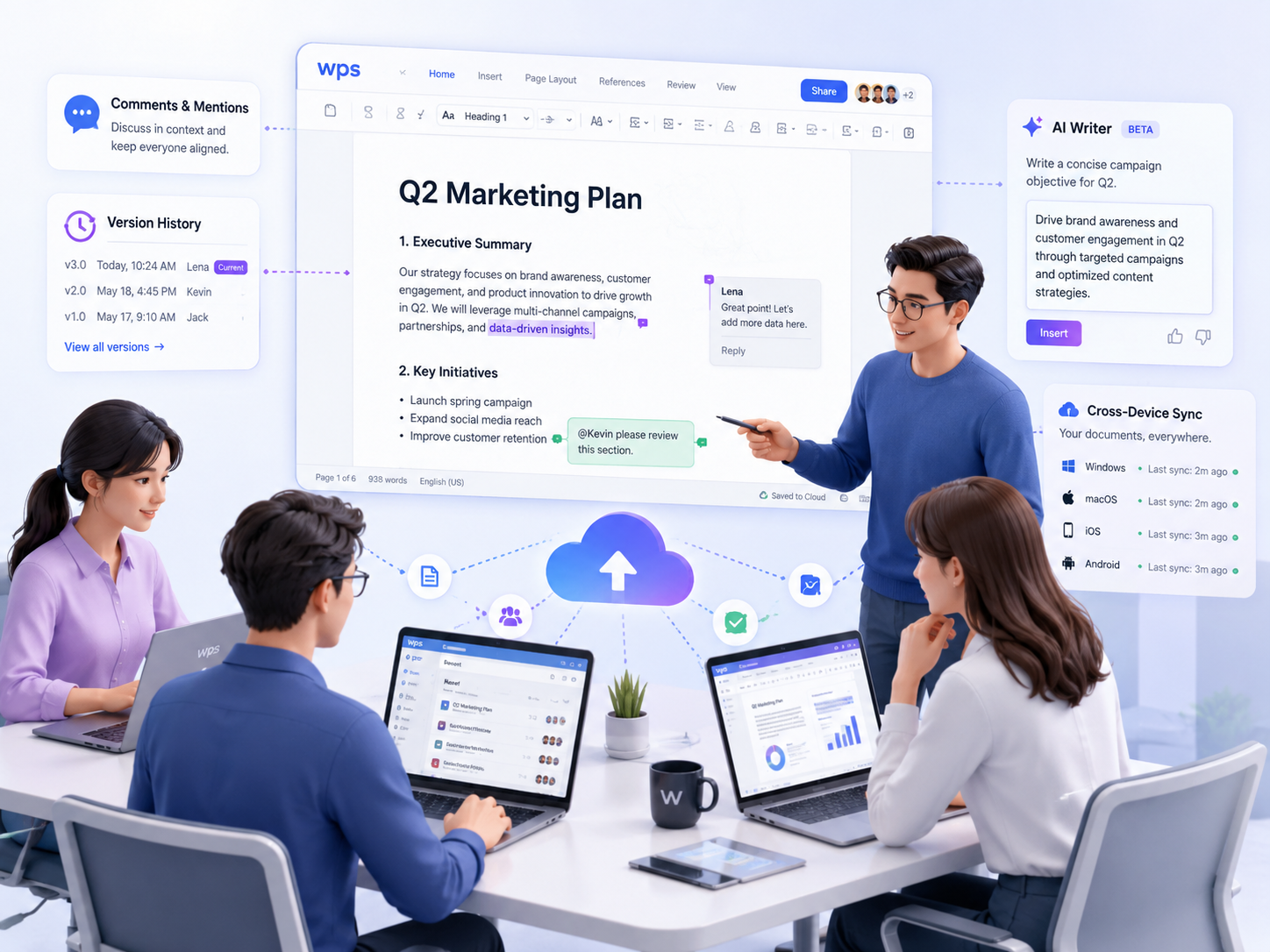
Figure 2. Cloud-based collaboration, version control, and AI writing support in a modern office workflow.
Choosing compatible office tools
AI agents work best when the surrounding software environment is stable and familiar. If users struggle to install, access, or use basic office tools, automation will not solve the underlying problem. Companies should first ensure that their document tools are easy to deploy, compatible with Windows workflows, and practical for daily collaboration.
Compatibility also affects training and support. When a team uses consistent tools, managers can create clearer onboarding materials, support repeatable workflows, and introduce automation gradually. This helps AI adoption feel like an extension of the existing office process rather than a disruptive change.
Conclusion
AI agents and office automation can significantly improve Windows productivity when they are applied to the right tasks. They help teams reduce repetitive work, accelerate document preparation, and create more consistent workflows across departments.
The most successful organizations will not simply add automation for its own sake. They will build a practical stack that combines reliable office tools, clear user guidance, and AI-powered support. That approach makes productivity gains easier to sustain over time.