
6 Best territory management tools for field sales teams
September 4, 2026 · 6 min read
Territory design shapes how field sales teams spend their time. A clear map puts reps in front of the right buyers. A poor one creates account overlap, gaps in coverage and unnecessary driving.
Territory software now goes beyond drawing boundaries. Some tools balance workloads and model coverage scenarios, while others recommend routes or next steps for reps.
This guide compares six options based on territory planning, mobile use, field execution and CRM integration.
What AI territory management actually does
Territory management follows a basic cycle: design the map, assign ownership, execute in the field and adjust as results come in. Automation and AI can support different parts of that cycle.
How we selected these tools
- Field execution: does the tool help reps manage their day as well as help managers design territories?
- AI assistance: are recommendations, route changes or workload adjustments available within the normal workflow?
- Mobile usability: can reps view maps, plan routes and log activity from a phone?
- CRM sync: do ownership and activity updates flow between the tool and the CRM?
Quick picks by use case
- Best all-in-one option for field execution: SPOTIO
- Best for route-first territory coverage: Badger Maps
- Best for field visibility and coaching: Map My Customers
- Best for teams already using Salesforce: Salesforce Sales Territories with Sales Planning
- Best for optimisation and scenario planning: eSpatial
- Best for AI-assisted territory design in Salesforce: Gradient Works Carve
The six tools in detail
1. SPOTIO
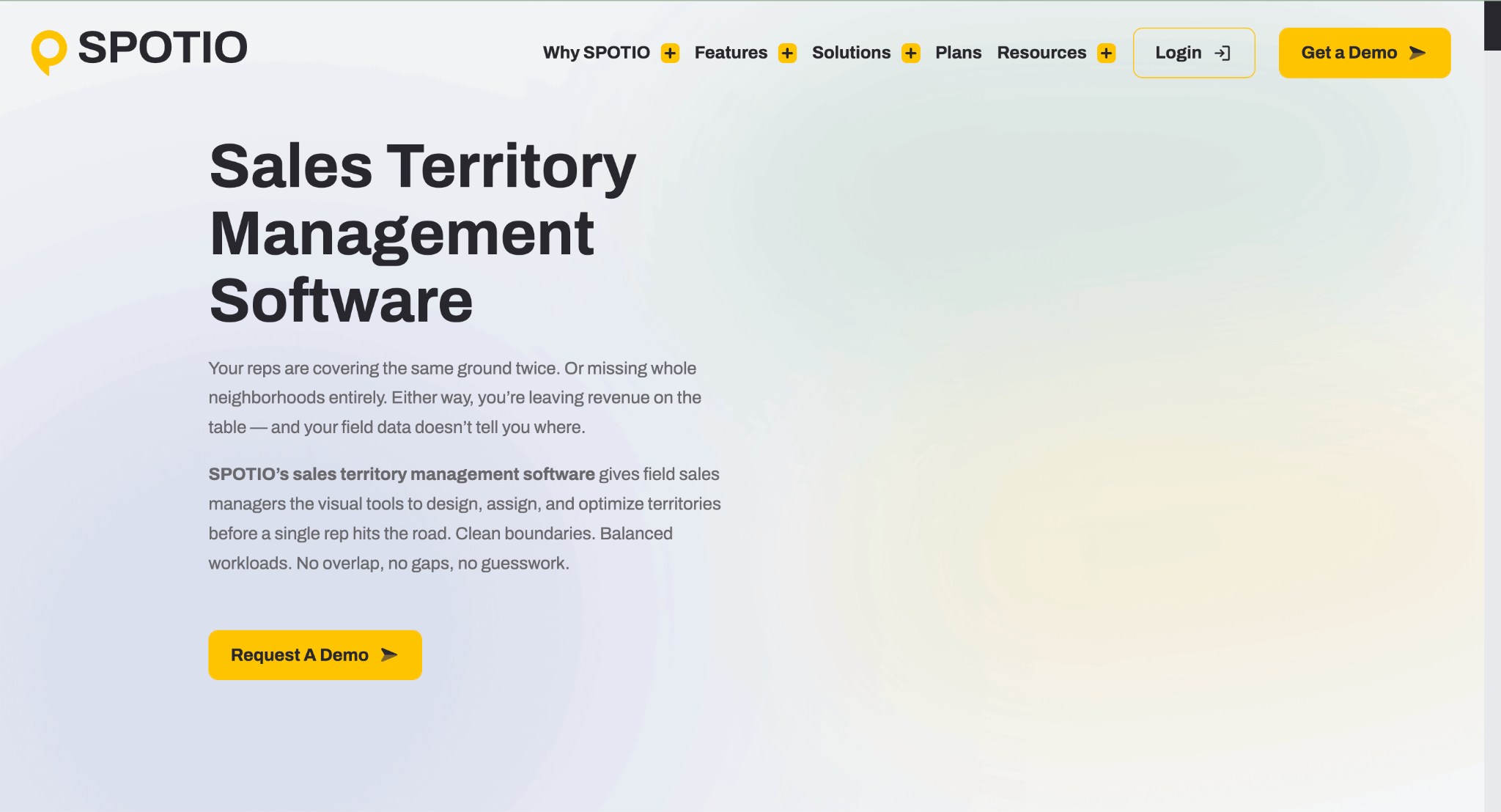
SPOTIO is designed around the outside sales workday. Managers can create territories by ZIP code, county, city or custom shape, assign ownership and track performance by territory.
Territory assignments sync in real time with Salesforce, HubSpot, Microsoft Dynamics and Zoho, so account ownership updates automatically when a territory changes hands. SPOTIO's territory-management features cover mapping, assignment, optimisation and CRM sync.
Two AI capabilities sit inside the normal workflow rather than alongside it. DASH is SPOTIO's field sales AI co-pilot: DASH IQ answers account and product questions and summarises recent activity for visit prep, DASH Actions creates and updates records and drafts follow-up emails and texts, and DASH Go enables voice-driven workflows between stops. Every DASH action requires rep confirmation before anything is saved.
Next Best Action is the second, recommending which account a rep should work next based on territory activity data. Both are territory-aware rather than generic assistants bolted onto a CRM.
For daily execution, route optimisation handles up to 150 stops and hands off to Google Maps or Waze. Download My Day pre-loads territory, route and account data for up to 24 hours of offline use, and visits are GPS-verified rather than self-reported.
SPOTIO uses tailored, user-based pricing rather than a public list price, with separate B2B, B2C and custom plans. It is designed for teams of five or more field sales professionals. There is no self-serve free trial, but demos and pilot programmes are available for qualified prospects, and most customers are live in under four weeks.
2. Badger Maps
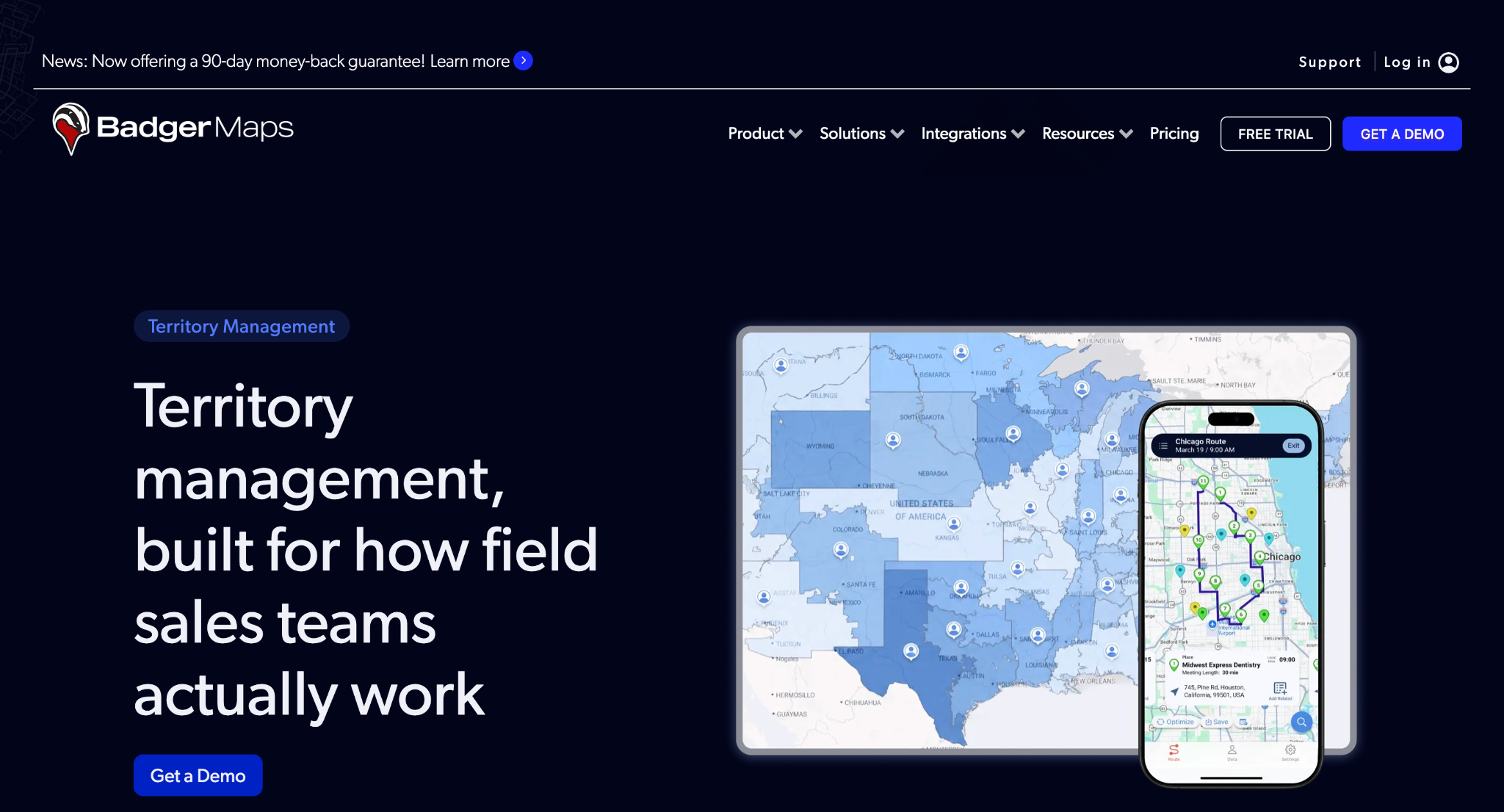
Badger Maps is a practical option when reducing drive time is the main goal. Its route optimisation supports up to 120 stops, while the separate Badger Align product handles territory design and alignment.
Published U.S. pricing lists Business at $58 per user per month and Enterprise at $95 per user per month when billed annually. Badger Align is priced separately at $20 per territory per month on an annual plan, with a five-territory minimum, dropping to $10 after 40 territories.
Three further territory add-ons are sold independently: Lead Routing at $16 per rep per month, Insights at $50 per user per month and Scoreboard at $12 per user per month. Buyers should calculate the combined cost rather than working from the seat price alone.
3. Map My Customers

Map My Customers focuses on helping managers understand what happened in the field and connect that activity to sales results. Its AI Field Agent supports voice debriefs after visits, drafts follow-up emails and suggests routes and next steps.
Field View, efficiency widgets and updated routing features also give managers more visibility into rep activity.
Pricing is not published, so teams will need to request a quote. During a demo, check how its coaching and activity features connect with your CRM and whether route recommendations match the number of daily stops your reps typically make.
4. Salesforce Sales Territories and Sales Planning
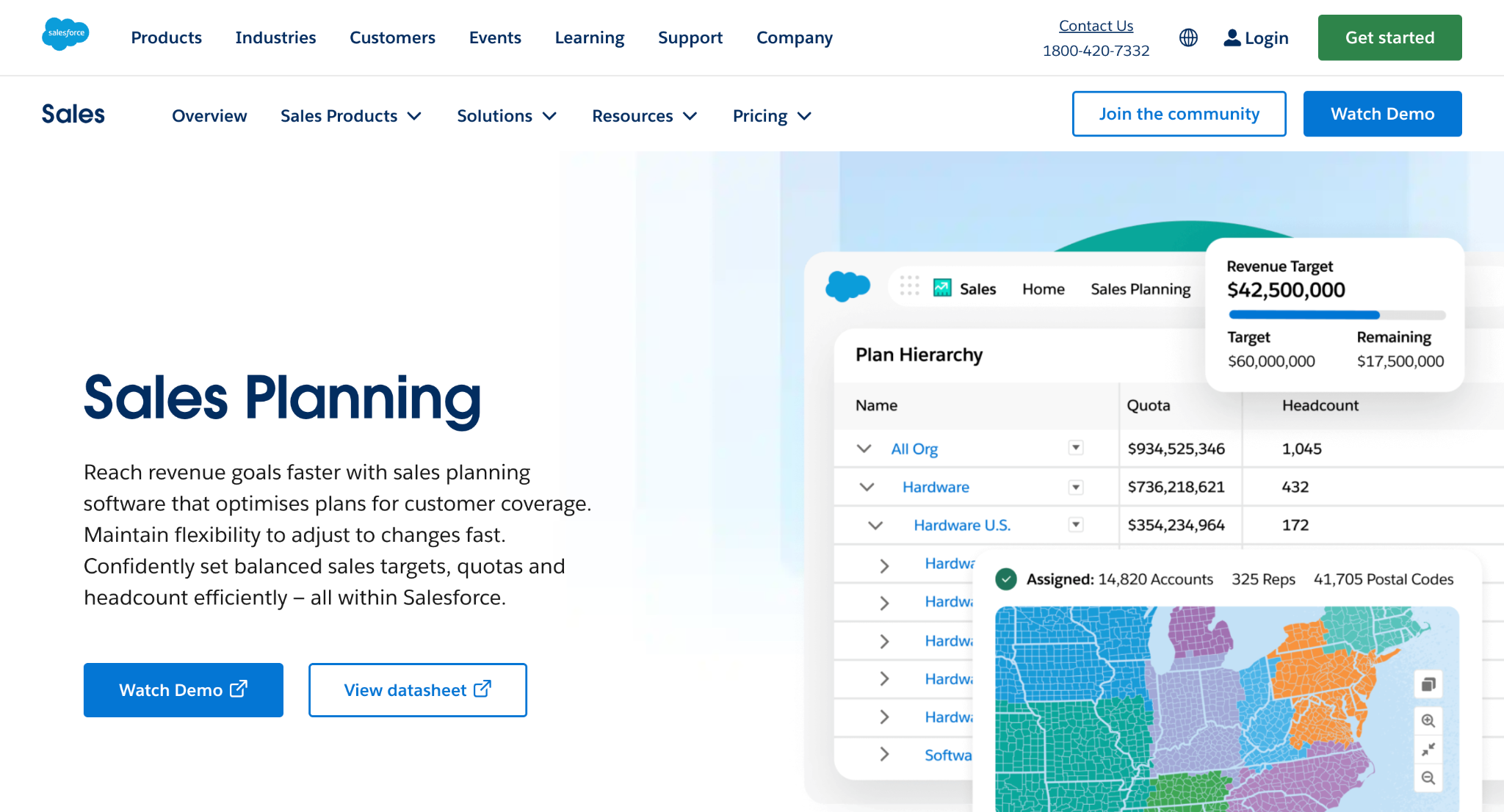
Teams that already manage their revenue process in Salesforce may prefer its native territory controls. Sales Territories, formerly Enterprise Territory Management, is included with Sales Cloud Enterprise and Unlimited editions and supports account assignment and territory governance inside the existing CRM.
That inclusion carries a floor. Enterprise lists at $175 per user per month and Unlimited at $350, both billed annually, so native territory management is only free relative to a licence you are already buying.
Sales Planning is the add-on that handles territory carving, quota allocation and workload balancing. Salesforce lists it at $75 per user per month, billed annually, and each subscription covers one person either running the tool or receiving its output, such as a territory or quota assignment. It is also bundled into Agentforce 1 Sales Edition at $550 per user per month, which changes the maths for teams already considering that tier.
5. eSpatial
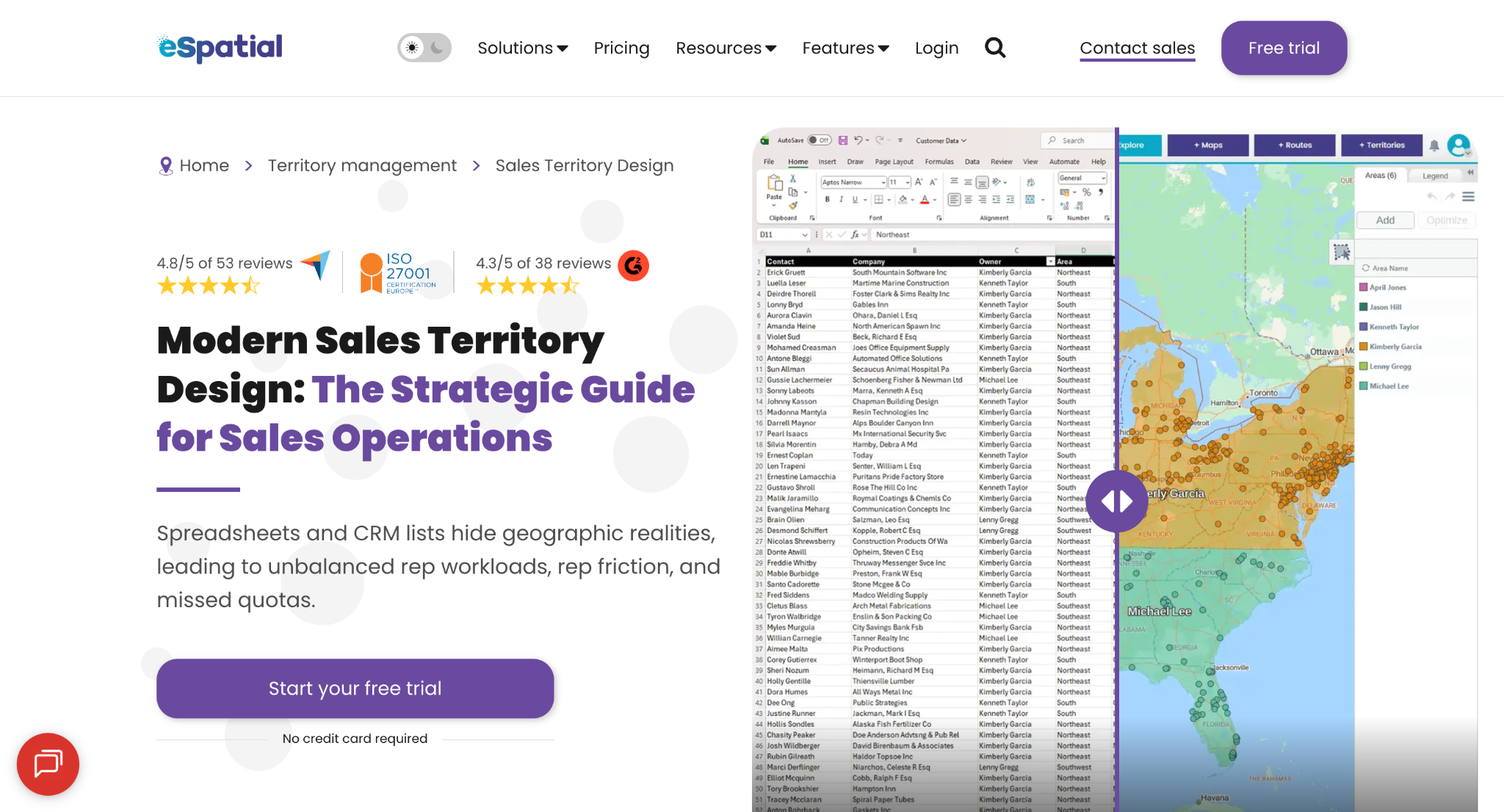
eSpatial offers automated territory optimisation for operations teams that want to compare several coverage scenarios before assigning them to reps. This planning-first approach suits cases where workload balance, account potential or geographic coverage matters more than daily field activity.
Pricing is per user with a three-user minimum on every tier, and the tier you need depends entirely on what you are trying to do. Mapping Pro at $499 per user per year is visualisation only and includes zero territories, so it will not support territory work at all.
Territory design and optimisation start at Professional Territory Manager, $2,665 per user per year, which includes 100 rep territories. Predictive what-if scenario modelling and automated optimisation sit in Advanced Territory Manager at $4,999 per user per year.
At the three-user minimum, that means roughly $7,995 a year to design territories and about $14,997 a year for the scenario modelling this tool is best known for. Salesforce integration adds $5,995 and single sign-on $7,495, and eSpatial does not state a term for either, so confirm whether those are annual before you budget them. Also confirm how completed plans move into your CRM and whether field reps need a separate tool for routing and visit logging.
6. Gradient Works Carve
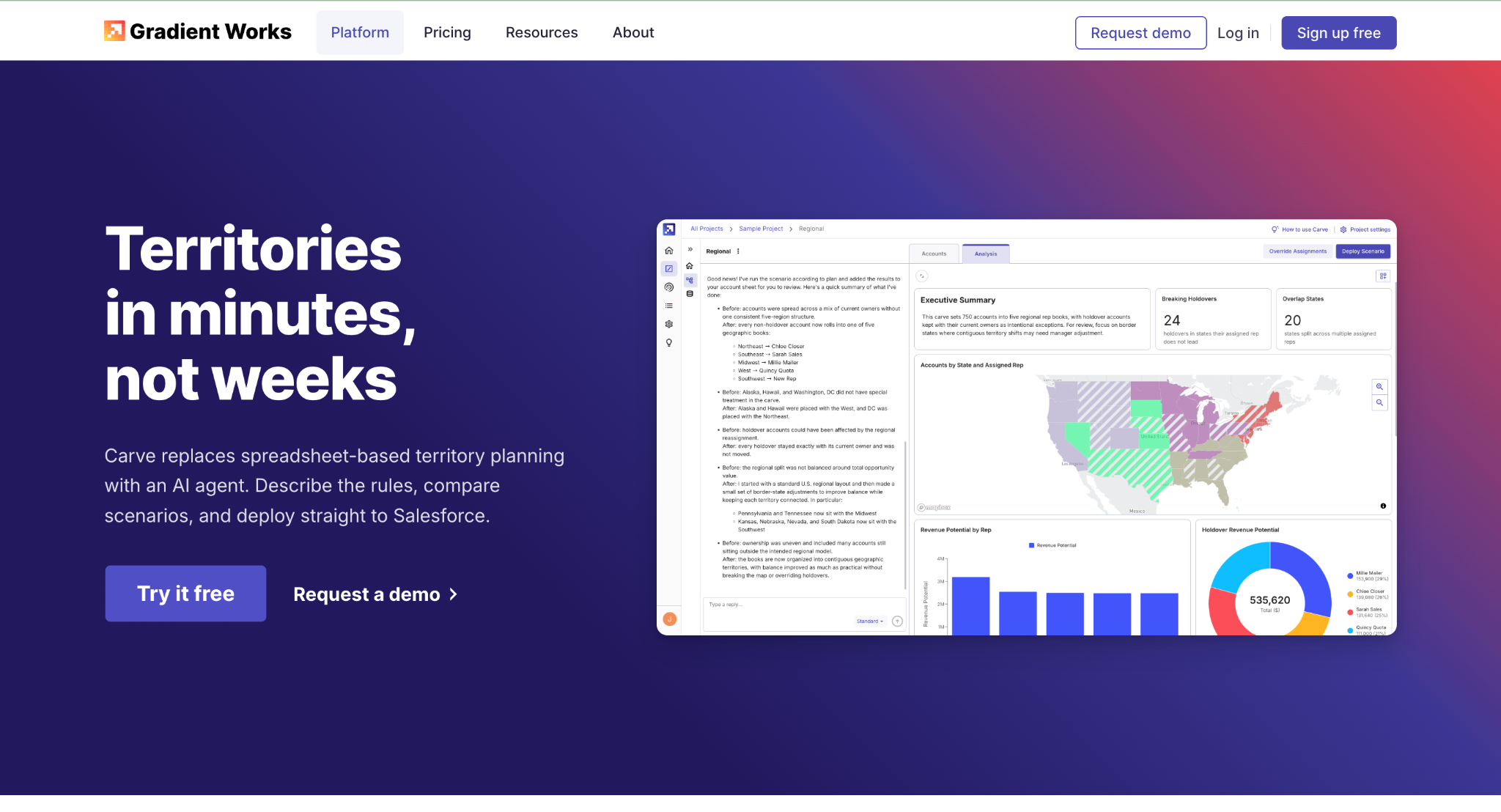
Gradient Works Carve is intended for Salesforce teams that adjust territories more than once a year. It generates scenarios from plain-language rules and deploys the selected plan directly to Salesforce, reducing the delay between a planning decision and the assignments reps see.
Its value depends on the quality of the rules and account data used to create each scenario. That caveat applies across autonomous AI agents generally, where output quality tracks input quality closely.
Teams should test how Carve handles exceptions, existing opportunities and mid-period ownership changes before deploying a new plan broadly.
How to choose a territory management tool
- Does the tool sync with your CRM, including account ownership changes?
- Can a rep use it easily between stops, and will key features work with a weak signal?
- Who can reassign accounts, and is each change recorded?
- Can managers understand why an AI feature made a recommendation, and does a human confirm it?
- Does the routing capacity match your typical number of daily stops? The ceiling ranges from 20 to 150 across these tools.
- What are the seat, territory or licence minimums, and what will the first year cost including add-ons?
How to roll out the software without disruption
Start with one territory before changing the entire map. Confirm that ownership updates reach the CRM correctly, and decide who has permission to reassign accounts.
Record baseline measures such as account coverage, stops per day and time spent driving so you can compare results after the pilot.
FAQ
What is the difference between territory planning and route optimisation?
Territory planning determines which accounts or geographic areas each rep owns. Route optimisation determines the order in which a rep visits stops within that territory. Badger Maps takes a route-first approach and eSpatial emphasises planning, while SPOTIO combines territory design, assignment and field execution in one system.
Do I need Salesforce to use AI territory optimisation?
No. Salesforce Sales Territories and Gradient Works Carve are tied to the Salesforce ecosystem, but other options are not. SPOTIO integrates with major CRMs and runs its DASH co-pilot inside its own mobile workflow, while tools such as eSpatial can support territory planning independently.
How many stops can these tools route in a day?
It varies more than buyers expect. SPOTIO handles up to 150 stops and Badger Maps up to 120, while eSpatial caps daily routing at 20 stops on Mapping Pro, 30 on Professional Territory Manager and 50 on Advanced Territory Manager.
Does AI territory software make changes automatically?
Not in these tools. SPOTIO requires rep confirmation before any DASH action is saved, and Carve deploys only the scenario a planner selects. Ask any vendor where the human approval step sits before you trust a recommendation.