
Chat Widget for Website: How It Improves Customer Support and Engagement
v1.0FreeAdd a chat widget for website visitors to provide instant support, answer questions, engage customers, and generate leads directly from your website.
A chat widget for website gives visitors a simple way to ask questions, get assistance, and interact with a business without leaving the website. Instead of searching through contact pages or waiting for an email response, visitors can start a conversation directly from the page they are viewing.
For businesses, website chat can become an important part of customer support, lead generation, and user engagement.
What Is a Chat Widget for a Website?
A chat widget is a small chat interface that appears on a website, usually in the bottom corner of the screen. Visitors can click it to start a conversation with a business or interact with an automated chatbot.
Depending on the setup, a website chat widget can help with:
- Answering common customer questions
- Guiding visitors to the right products or services
- Collecting contact information
- Providing basic customer support
- Helping users find website content
- Sending conversations to a support team
- Qualifying potential leads
The main benefit is convenience. Visitors can get help while they are already browsing the website.
Why Businesses Use Website Chat Widgets
Many website visitors do not want to fill out a contact form for a simple question. They may also leave if they cannot quickly find the information they need.
A chat widget creates another communication channel that is available directly on the website.
For example, an online service company could use chat to answer questions about pricing, features, availability, or onboarding. An ecommerce business could use it to help shoppers understand products, shipping, returns, or order-related questions.
This can make the overall website experience more interactive.
Key Benefits of Adding a Chat Widget
1. Faster Customer Communication
A website chat tool allows visitors to start a conversation immediately. This can be especially useful when customers have questions that are not fully answered on the website.
2. Better Visitor Engagement
A static website mainly provides information. Adding a chat interface gives visitors an opportunity to interact with the business.
Instead of simply reading a page and leaving, a visitor can ask a question and continue the conversation.
3. Lead Generation
Chat can also support lead generation. A business can ask for basic information such as a name, email address, or business requirement when appropriate.
This creates an opportunity to follow up with visitors who are interested but are not ready to make a purchase immediately.
4. Automated Answers
A chatbot can handle frequently asked questions without requiring a team member to respond to every basic request.
Common questions about pricing, services, features, operating hours, or policies can often be handled automatically.
5. Support Beyond Contact Forms
Contact forms still have their place, but they require visitors to complete several fields before sending a message.
A chat widget can provide a more conversational alternative and let users explain what they need in their own words.
What Makes a Good Website Chat Widget?
Not every chat tool provides the same experience. When choosing a chat widget, businesses should consider several factors.
Easy Installation
The widget should be straightforward to add to an existing website. A simple installation process makes it easier for businesses to get started without making major changes to their website.
Customization
The chat interface should fit the website's design. Options for colors, branding, position, welcome messages, and chat behavior can help create a more consistent experience.
Mobile Compatibility
A large portion of website traffic comes from mobile devices. The chat interface should work properly on smaller screens without covering important content or making navigation difficult.
Automation
Businesses can save time by using automated responses for repetitive questions. More advanced setups can use conversational AI to understand questions and provide relevant answers.
Conversation Management
For businesses with support teams, it is useful to have a way to review conversations and respond when human assistance is required.
How to Add a Chat Widget to a Website
The process usually starts by selecting a chat platform and creating a widget.
A typical setup looks like this:
- Create an account with a website chat provider.
- Customize the appearance of the chat widget.
- Configure welcome messages and automated responses.
- Copy the provided installation code.
- Add the code to the website.
- Test the widget on desktop and mobile devices.
- Monitor conversations and improve responses over time.
Once installed, the chat button can remain available across important website pages.
Chat Widget vs Contact Form
Both tools can be useful, but they serve different purposes.
A contact form is useful when a visitor needs to submit detailed information or request a response later. A chat widget is better suited to quick questions and real-time conversations.
Many businesses can use both. The chat widget handles immediate interactions while the contact form provides another option for more detailed inquiries.
How Chatbot Widget Can Help
Businesses looking for a simple way to add conversational support to their websites can use Chatbot Widget to create a chat experience for website visitors.
A website chat solution can help businesses centralize visitor conversations, provide automated assistance, and make it easier for potential customers to interact with a company while browsing its website.
Final Thoughts
A chat widget for website can turn a static website into a more interactive communication channel. It can help businesses answer questions, engage visitors, collect leads, and provide support without forcing users to leave the page.
The most effective setup depends on the business and its audience. Start with common customer questions, create useful automated responses, and make sure the chat experience works smoothly across desktop and mobile devices.
Included Files (1)
Installation Guide
README.md— Installation and setup instructionsAGENTS.md— Agent behavior and workflow instructionsSOUL.md— Agent identity and communication guidelineschatbot-widget.md— Website chatbot setup and usage workflowconfig.example.md— Example configuration and required settings
Compatibility
Earned distribution
Remix this kit or publish the earned trust badge
The fastest loop here is creator-to-creator: remix the kit into your own version, or publish a badge anywhere you showcase work built with it. The badge is stronger once the kit has real showcases and remix history behind it.
Badge HTML
Embed this earned badge on your site, portfolio, docs, or launch post.
<a href="https://aiagentstore.ai/claw-setup-files/kit/chat-widget-for-website-how-it-improves-customer-support-and-engagement?gm=claw_starter_kit&gl=claw_starter_kit_badge&gat=claw_starter_kit&gaid=xboncHUllvtiQ9y43BiT&ge=user%3Ai49I236rh6eq6dONPbUzqkLF2U02&gs=badge_embed&gc=embed" target="_blank" rel="noopener noreferrer" style="display:inline-flex;align-items:center;gap:10px;padding:12px 16px;border-radius:18px;background:linear-gradient(135deg,#0f172a,#111827);color:#ffffff;text-decoration:none;font-family:Inter,Arial,sans-serif;font-size:13px;font-weight:700;box-shadow:0 12px 30px rgba(15,23,42,0.16);"><span style="display:inline-flex;align-items:center;justify-content:center;width:26px;height:26px;border-radius:999px;background:#34d399;color:#052e16;font-weight:800;">✓</span><span>Built with Claw Starter Kit: Chat Widget for Website: How It Improves Customer Support and Engagement</span></a>
Badge Markdown
Use this in README files, forum posts, launch notes, or case studies.
[Built with Claw Starter Kit: Chat Widget for Website: How It Improves Customer Support and Engagement](https://aiagentstore.ai/claw-setup-files/kit/chat-widget-for-website-how-it-improves-customer-support-and-engagement?gm=claw_starter_kit&gl=claw_starter_kit_badge&gat=claw_starter_kit&gaid=xboncHUllvtiQ9y43BiT&ge=user%3Ai49I236rh6eq6dONPbUzqkLF2U02&gs=badge_embed&gc=embed)
Public showcase
Examples built with this kit
Public examples convert better than feature lists. If you bought or built this kit, publish a concise showcase and share the proof.
No public showcases yet. The first good example here can do a lot of selling.
Customer Ratings
0 ratings
Reviews
Related Claw Starter Kits

Sales Outreach Pro
Turn cold prospects into warm conversations. Research-driven outreach sequences, follow-up cadences, and pipeline management for B2B sales.
AgentWave
AI-powered meeting assistant and workflow automation ecosystem built for fast-paced teams.
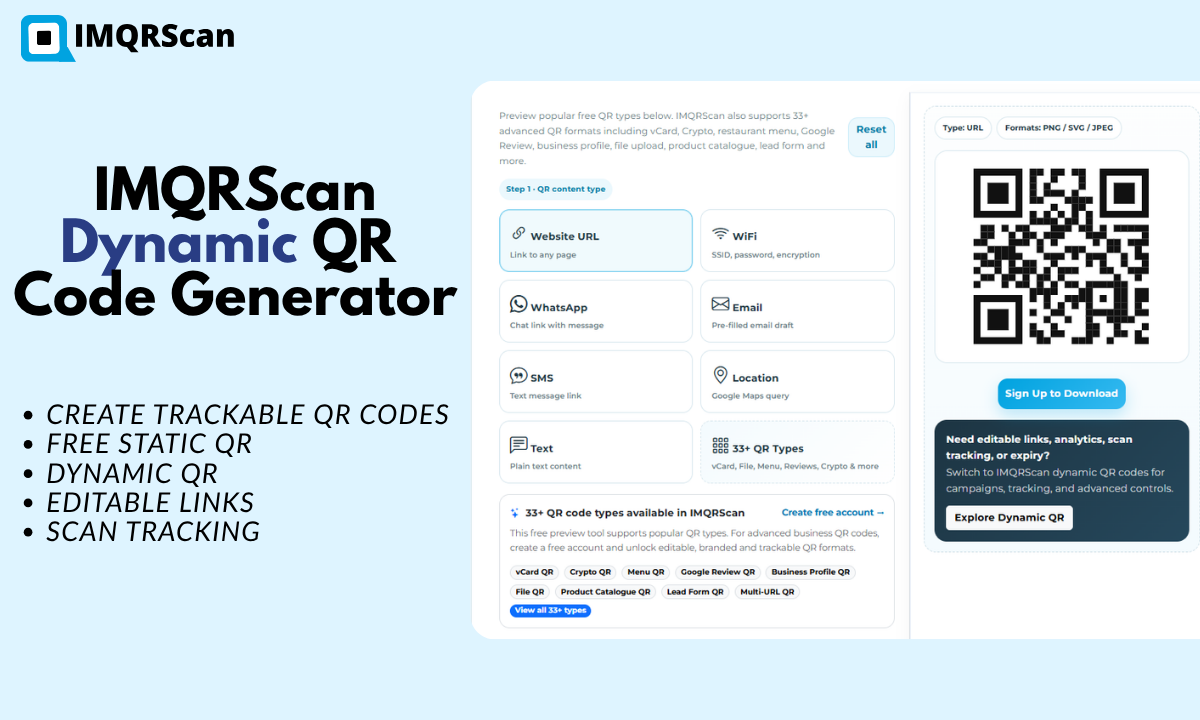
IMQRScan QR Code Generator & QR Marketing Assistant
Create, manage and optimize static and dynamic QR codes for marketing, business cards, events, menus, forms and digital campaigns with IMQRScan.
Agent Teams
Turn setup files into a running hosted agent
Launch OpenClaw or Hermes from setup files, use the native harness UI or connect WhatsApp, Telegram, or Slack, then stop and resume with memory and workspace preserved.