

Invoke by Yugin
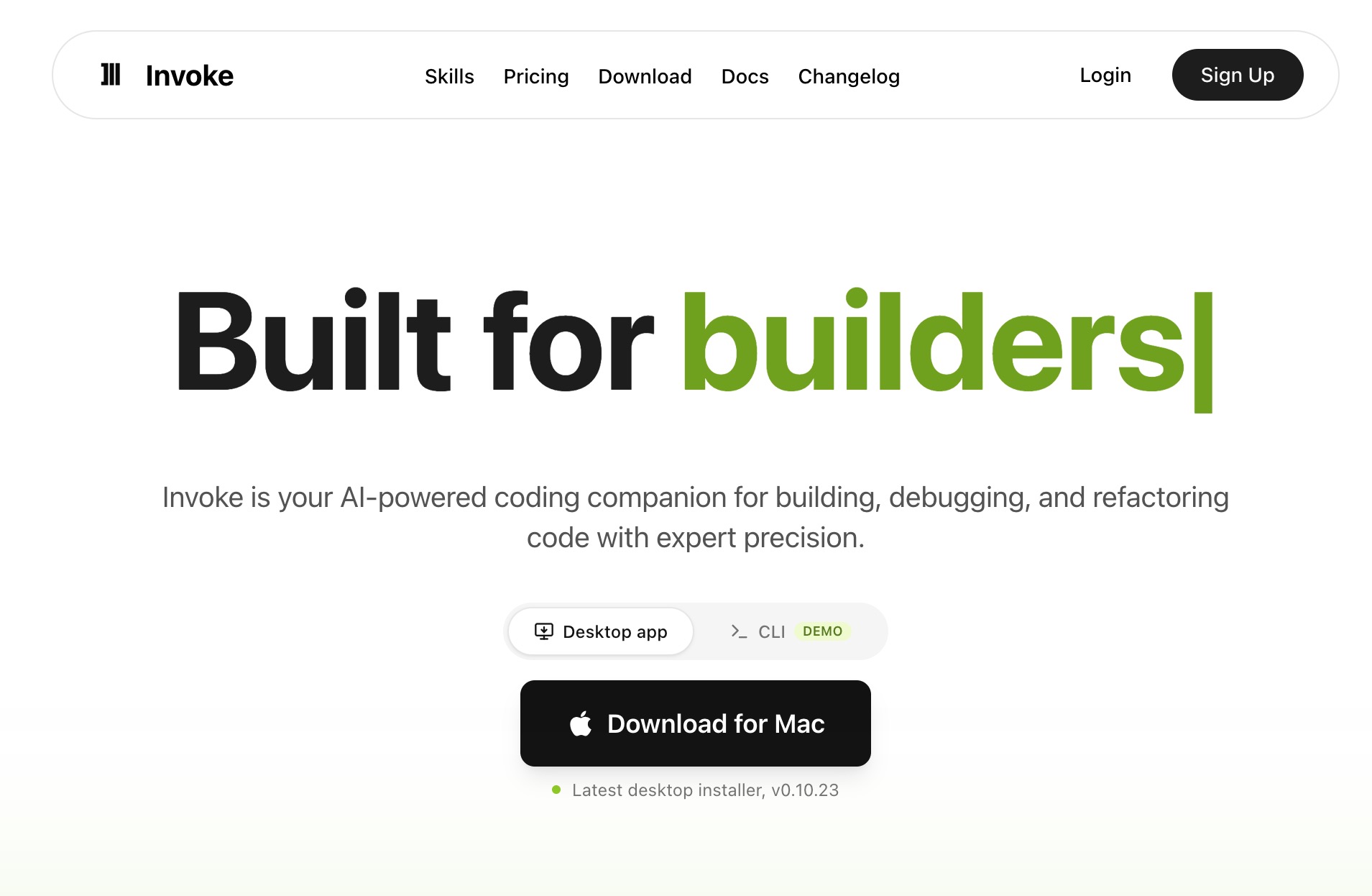
Overview
Professional coding agent with Claude and multi-provider support for code generation, reviews, sub-agents, and development workflows.
Invoke by Yugin is a professional AI coding agent for developers. The official site describes it as an AI coding assistant with Claude integration, support for multiple AI providers, intelligent workflows, code generation, automated development tools, and AI sub-agents for complex tasks. The free plan lets users bring their own AI API keys, including OpenAI and Anthropic, and includes up to 3 AI sub-agents, full context window access, 5 memory slots, and Discord community support. Paid plans add monthly AI credits, code reviews that consume credits, an Orchestrator Agent, more sub-agents, additional memory slots, credit rollover, and priority support. Pricing shown on the official pricing page includes Free at $0, Starter at $20/month, Pro at $50/month, and Max at $100/month, with a launch special discount advertised for the first month.
Autonomy level
56/100
Our subjective rating of how independently the product carries out its documented tasks, considering the human setup, input, approval and review it needs. This is not a measured success rate.
Comparisons
Custom Comparisons
Some of the use cases of Invoke by Yugin:
- Generating code with AI assistance
- Running code reviews using plan credits
- Coordinating complex coding tasks with sub-agents
- Maintaining longer development conversations with context and memory slots
- Using OpenAI, Anthropic, or other supported AI provider keys
- Automating advanced development workflows with an orchestrator agent
Loading Community Opinions...
Pricing model:
Code access:
Popularity level: 27%
Industries:
Tags:
Turn this profile into a trust signal
Show prospects that Invoke by Yugin has a public place where they can check product details, pricing, ratings, and reviews.
Build confidence
Give buyers a third-party profile to explore.
Reduce hesitation
Put validation beside your strongest CTA.
Earn discovery
Every badge links prospects to your listing.
Choose your style
Preview it, then copy the complete embed code.
Shows buyers where to validate your product, pricing, and reputation.
Plain HTML. No signup, script, or maintenance required.
 AI Agent Store · Specialist AI agents
For in-house software product engineering teams
Your AI agent for professional coding assignments.
Exploring Invoke by Yugin? For in-house software product engineering teams, your own AI agent can investigate product issues, implement and test changes, and ship and follow releases. Start with a setup tailored to this work.
- ✓ Investigate product issues
- ✓ Implement and test changes
- ✓ Ship and follow releases
Tailored starting setup. Chat on our site. See the workflow and monthly plan.