
Agent S
Overview
Open-source GUI agent framework that lets an LLM use your computer like a human via an Agent-Computer Interface.
Best For Professions:
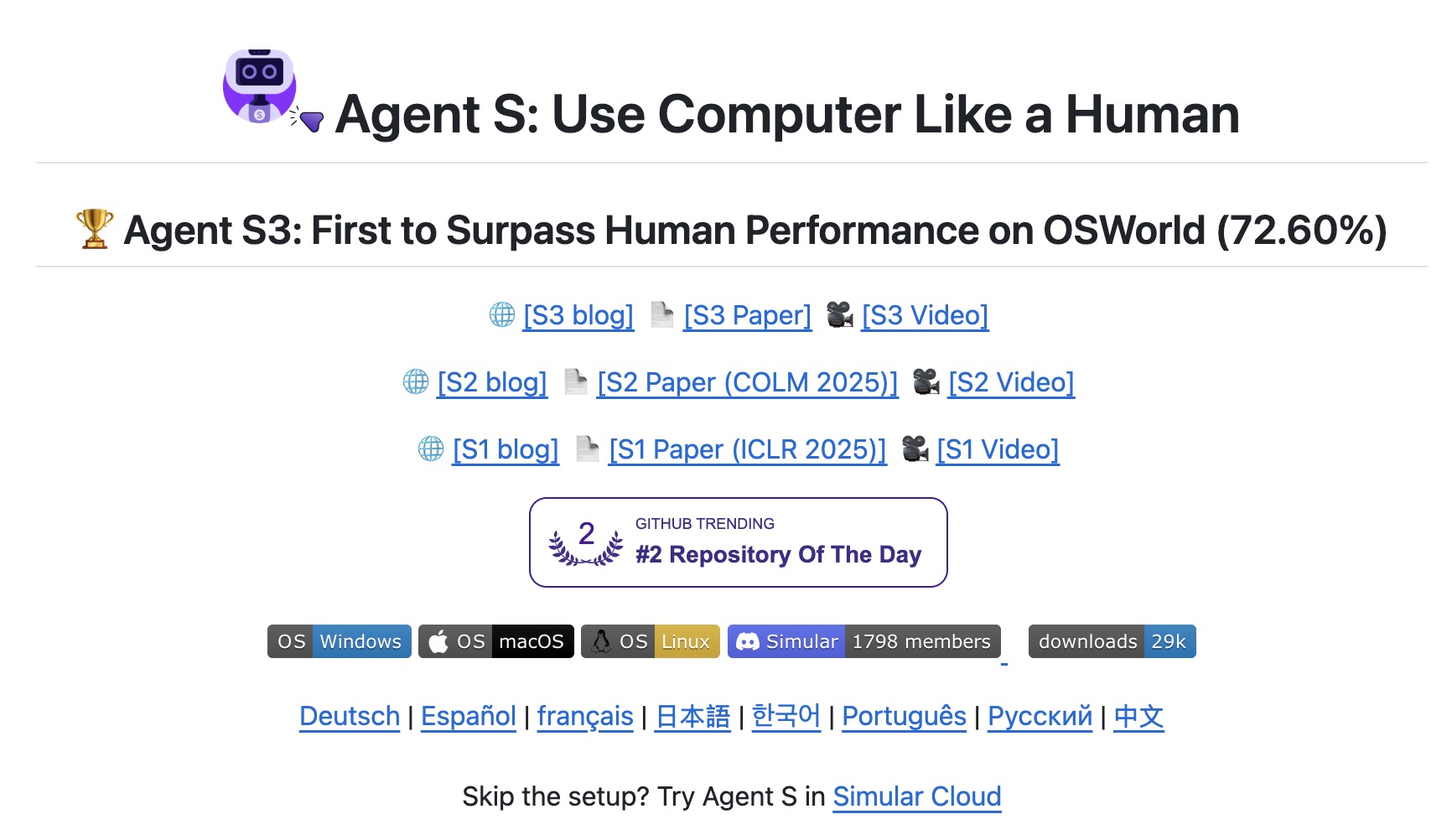
Agent S is an open-source framework for building and running “computer use” GUI agents that can autonomously operate a computer through an Agent-Computer Interface. It’s designed to let an LLM plan and execute multi-step tasks by observing the screen and taking actions (e.g., clicking, typing, navigating) on supported platforms (Linux, macOS, Windows). The project provides a CLI to run the agent, supports multiple model providers (including OpenAI, Anthropic, Gemini, OpenRouter, and vLLM), and recommends pairing a main LLM with a separate grounding model for UI understanding. Agent S also includes evaluation assets and reports results on established computer-use benchmarks such as OSWorld.
Product overview
Capabilities, pricing and fit
Agent S is best understood as an agent-development framework. Agent S: an open agentic framework that uses computers like a human.
Information as of July 30, 2026
What it can do
- Agent application development
Agent S: an open agentic framework that uses computers like a human.[1]
Where it fits best
- Building computer-use agents that can operate desktop apps and websites through a GUI.[1]
Pricing and availability
Access: Source repository[1]
Sources (1)
- GitHub - simular-ai/Agent-S: Agent S: an open agentic framework that uses computers like a human · GitHubGitHub · checked 2026-07-30
Autonomy level
75/100
Our subjective rating of how independently the product carries out its documented tasks, considering the human setup, input, approval and review it needs. This is not a measured success rate.
Comparisons
Custom Comparisons
Some of the use cases of Agent S:
- Building computer-use agents that can operate desktop apps and websites through a GUI.
- Automating multi-step workflows on a real computer with an agentic CLI runner.
- Experimenting with grounding + planning model combinations for more reliable UI interaction.
- Evaluating computer-use agents on benchmarks like OSWorld and related environments.
Loading Community Opinions...
Pricing model:
Code access:
Popularity level: 71%
Tags:
Agent S Video:
Turn this profile into a trust signal
Show prospects that Agent S has a public place where they can check product details, pricing, ratings, and reviews.
Build confidence
Give buyers a third-party profile to explore.
Reduce hesitation
Put validation beside your strongest CTA.
Earn discovery
Every badge links prospects to your listing.
Choose your style
Preview it, then copy the complete embed code.
Shows buyers where to validate your product, pricing, and reputation.
Plain HTML. No signup, script, or maintenance required.
 AI Agent Store · Specialist AI agents
For desktop automation teams
Your AI agent for computer-use automation projects.
Exploring Agent S? For desktop automation teams, your own AI agent can map desktop processes, repair application handoffs, and verify desktop outcomes. Start with a setup tailored to this work.
- ✓ Map desktop processes
- ✓ Repair application handoffs
- ✓ Verify desktop outcomes
Tailored starting setup. Chat on our site. See the workflow and monthly plan.