
5 Best Ways to Make Product Photos and Mockups With AI
March 27, 2026 · 4 min read
A professional product photo used to require a photographer, a studio, lighting equipment, and a few hundred dollars minimum. For an early-stage founder or a solo ecommerce seller, that's often either too expensive or too slow.
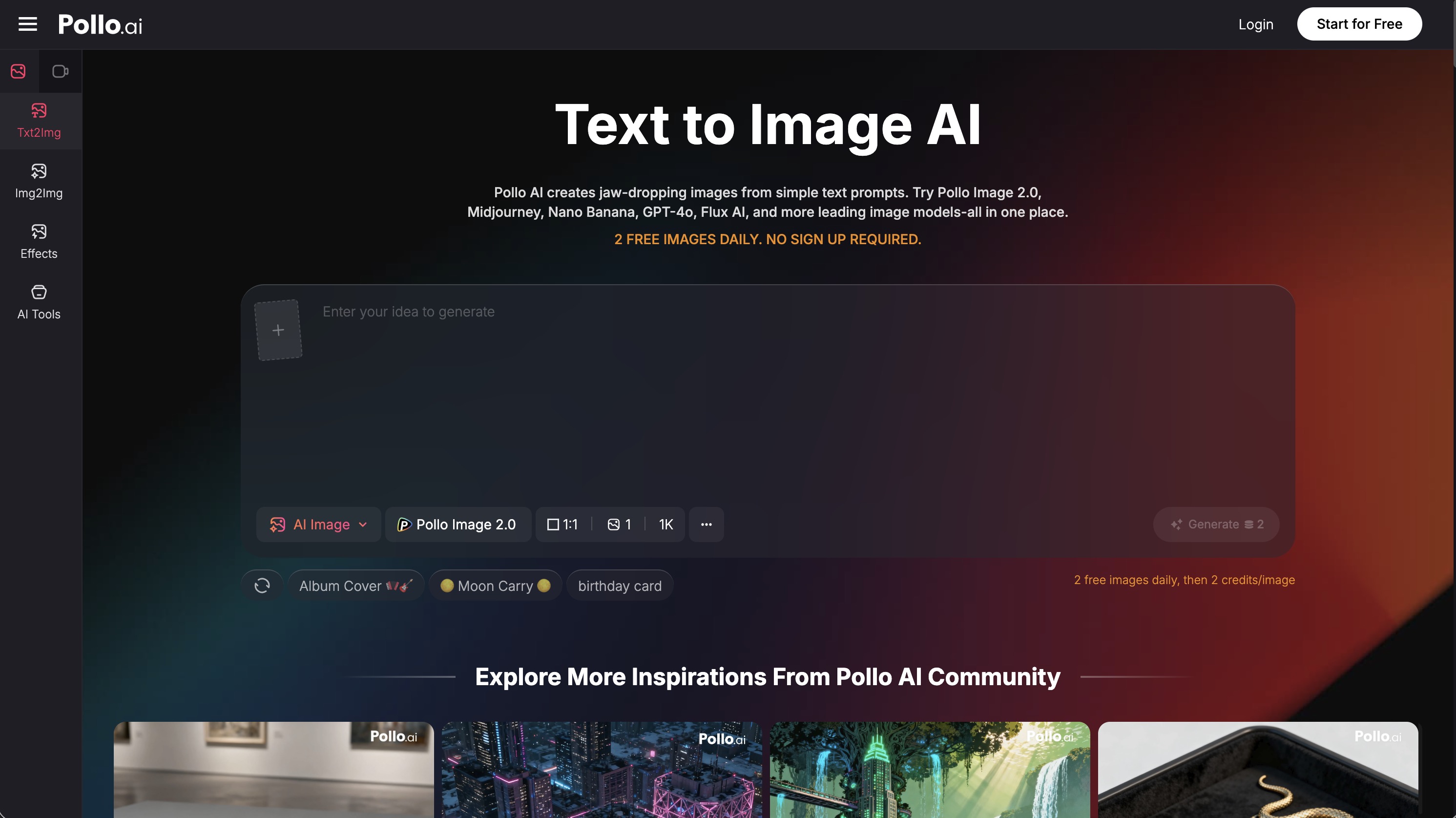
AI has changed that calculation. Using Pollo AI for product visuals, you can generate clean, conversion-friendly product images — lifestyle contexts, studio-style shots, mockup concepts — in minutes rather than days. The results aren't always perfect, but they're often good enough for listings, social ads, and pitch decks before the product exists as a physical object.
Here are five practical ways to get the most useful output.
1. Start With a Clear Product Objective
Before you write a single prompt, decide what the image actually needs to do. The objective shapes every visual decision that follows.
Common objectives for AI product imagery:
- Marketplace listing: Needs a clean background (often white or light neutral), strong product focus, and high legibility. Studio photography style works best.
- Social media ad: Needs more visual interest — lifestyle context, color contrast, emotional appeal. The product should still be the hero, but it can live in a scene.
- Landing page hero image: Needs space for overlay text, aspirational mood, and brand alignment. Think background-forward with the product either integrated or implied.
- Mockup concept: Needs to show the product in a realistic use context — packaging on a shelf, an app on a device screen, a garment being worn.
One prompt won't serve all four of these equally. Write for the specific objective.
2. Use Prompts That Describe Materials and Lighting
AI image models respond well to physical descriptions of materials, surfaces, and light. For product imagery specifically, these are the details that create the perception of quality:
Materials and texture
- "Matte black aluminum casing" reads differently than "glossy white plastic"
- "Natural linen fabric" creates a different feel than "synthetic athletic mesh"
- Name the material and the finish, not just the color
Lighting cues
- "Soft diffused studio lighting with subtle shadow" — clean, professional, product photography standard
- "Natural window light from the left side" — warm, lifestyle feel
- "Hard directional light with sharp shadow" — dramatic, editorial
Surface and setting
- "On a white marble surface" — luxury/lifestyle
- "On a dark slate background" — premium/tech
- "Floating on a gradient background" — e-commerce default
Combining material + lighting + surface in one prompt moves your output from generic to believable.
3. Generate Lifestyle Context Carefully
Lifestyle product images — showing the product in use, in an environment, or alongside complementary objects — are valuable for social ads and landing pages. But they come with a specific challenge: the scene can easily overwhelm the product.
Guidelines for lifestyle AI product prompts:
- State that the product is the focal point. Explicitly say "with the product in sharp focus in the foreground" to resist the model's tendency to treat the scene as equally important.
- Avoid cluttered backgrounds. Describe a single environment, not three. "A minimalist Scandinavian kitchen" works; "a busy market with shelves and windows and outdoor seating" doesn't.
- Keep supporting elements simple. If you want complementary props — a coffee cup next to a skincare bottle, a phone next to a smartwatch — name only one or two.
The goal is to generate a scene that frames the product, not competes with it.
4. Polish With Light Editing Where Needed
AI product images often come out 90% right but with small imperfections: a slightly off shadow, a distracting background element, or a bit too much saturation. That's where a light editing pass makes a significant difference.
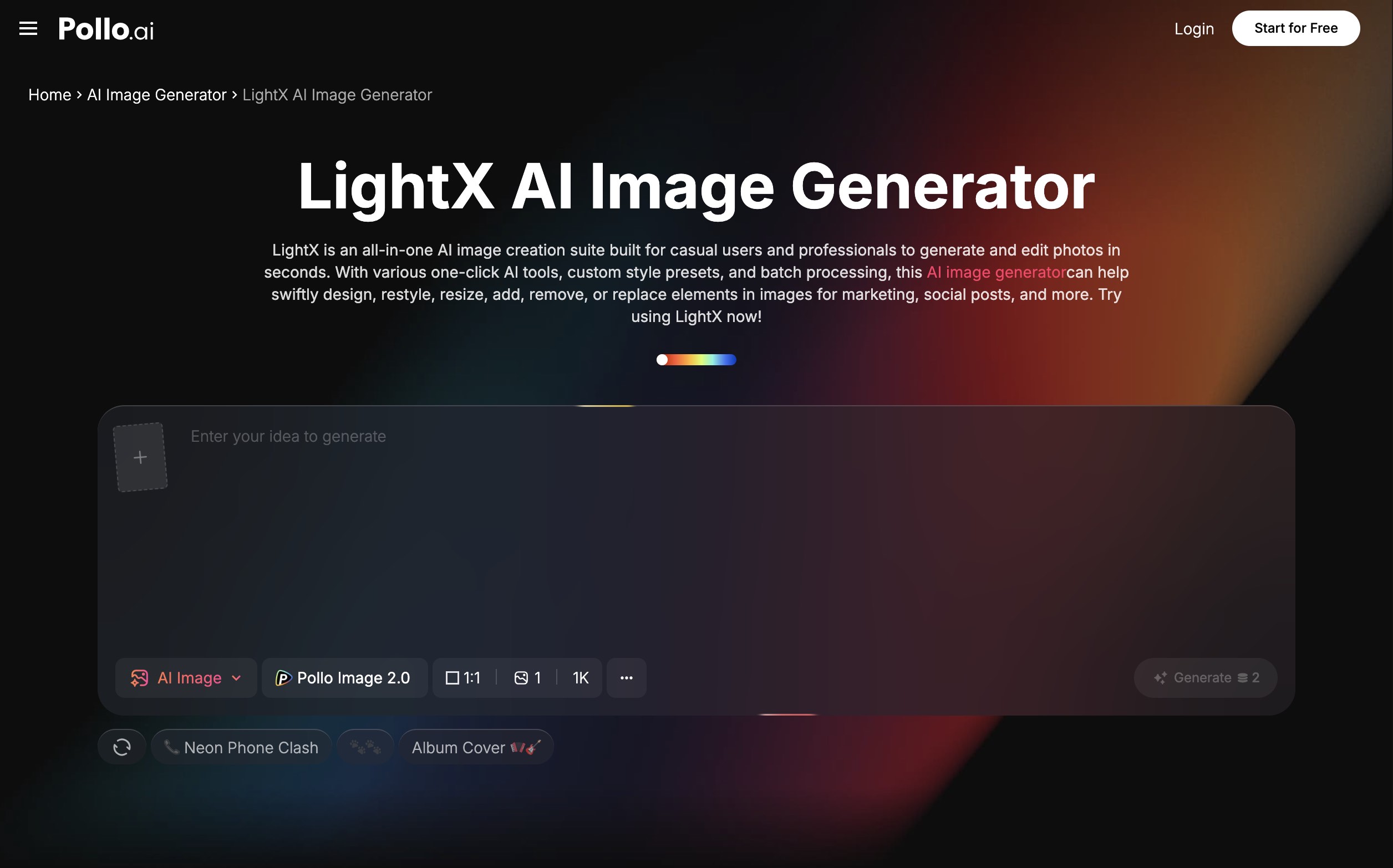
LightX AI — quick touch-ups focused on cleanup, background adjustment, and color correction — pairs naturally with AI-generated product imagery. The generation stage handles the concept; the editing stage handles the refinement.
Specific things worth a quick edit pass:
- Background cleanup: Remove any artifacts, gradients that don't serve the image, or distracting secondary elements.
- Cropping to spec: Make sure the final image fits the exact dimensions your platform requires.
- Shadow consistency: If the product has a shadow, make sure it's directionally consistent and not floating unnaturally.
- Color grading: A subtle brightness or contrast adjustment can transform a technically correct image into one that feels premium.
For sellers working across a larger product catalog, Pokecut can batch-remove backgrounds, resize, enhance, and replace backgrounds for up to 50 images at a time, helping maintain consistent product visuals without an image-by-image editing workflow. This combination — AI for the concept, editing tool for the polish — gets you to a usable product image faster than either approach alone.
5. Validate Commercial Usefulness Before Publishing
A product image that looks good on screen doesn't automatically work in every context. Before publishing any AI-generated product visual, run a quick commercial validation check:
- Legibility at thumbnail size: Will the product read clearly when the image is displayed at 200×200px on a mobile screen?
- Consistency across your product range: Do your AI images have a consistent visual language, or do they look like they came from different brands?
- Trust signals: Does the image feel professional and credible? AI images with distorted edges, odd shadows, or unrealistic materials can undermine trust.
- Brand fit: Does the color palette, mood, and style align with your overall brand identity?
If an image fails any of these checks, it's better to iterate now than to publish and damage first impressions.
Better Product Visuals, Faster
The cost of not having strong product imagery — lost listings, low-converting ads, weak landing pages — is significant. AI makes it possible to have a usable visual asset at every stage of product development, from early concept to launch.
Pollo AI is a practical tool for that workflow. Start with a clear objective, describe materials and lighting specifically, keep your lifestyle context focused, polish lightly in an editing tool, and validate before publishing. That process works for marketplaces, social ads, and pitch decks — without a studio budget.