

Desktop Commander MCP
Overview
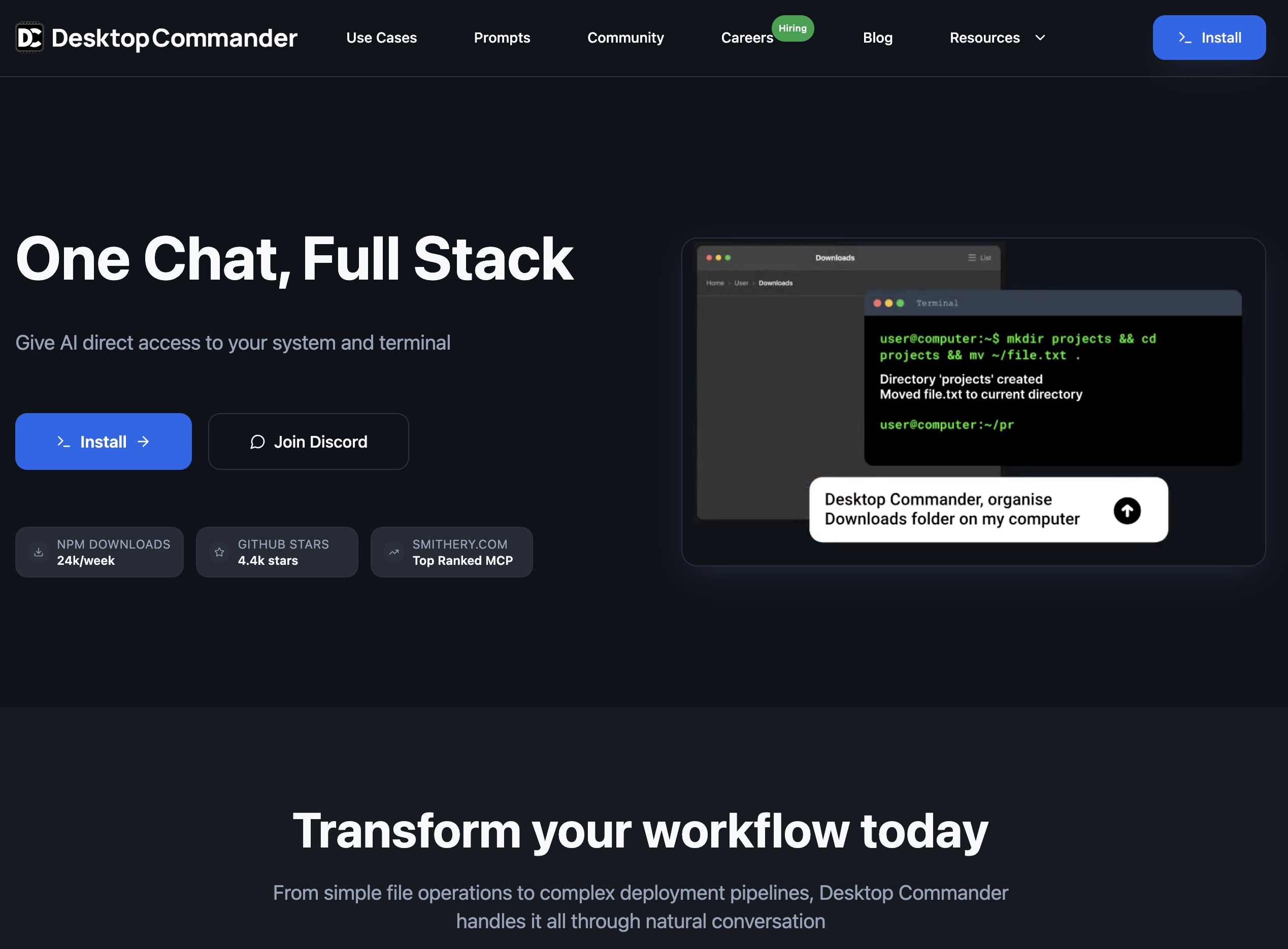
MCP server that lets AI run terminal commands, manage processes, and search/edit files (diff-based) with Excel/PDF support and audit logs.
Best For Professions:
Desktop Commander MCP is an open-source Model Context Protocol (MCP) server that gives AI clients controlled access to your local development environment. It enables running terminal commands with streaming output and interactive process/session management, plus full filesystem operations like reading/writing files, creating directories, and recursive search. It includes diff-based “surgical” edits and pattern-based replacements, powered by ripgrep for fast repo-wide search. The tool also adds native Excel support (read/write/edit/search) and PDF tooling (extract text, create PDFs from markdown, and modify PDFs), along with comprehensive audit logging of tool calls for traceability.
Product overview
Capabilities, pricing and fit
Desktop Commander MCP is best understood as an AI-assisted developer tool. This is MCP server for Claude that gives it terminal control, file system search and diff file editing capabilities.
Information as of July 30, 2026
What it can do
- Developer assistance
This is MCP server for Claude that gives it terminal control, file system search and diff file editing capabilities.[1]
Autonomy level
77/100
Our subjective rating of how independently the product carries out its documented tasks, considering the human setup, input, approval and review it needs. This is not a measured success rate.
Comparisons
Custom Comparisons
Some of the use cases of Desktop Commander MCP:
- Running long-running terminal workflows through an AI chat, with output streaming and session/process control.
- Searching, updating, and refactoring codebases using ripgrep-powered search and diff-based file edits.
- Working with local files safely: read/write/move/list directories and inspect file metadata via MCP tools.
- Automating document/data tasks like Excel editing and PDF reading/creation/modification within the same toolset.
Loading Community Opinions...
Pricing model:
Code access:
Popularity level: 83%
Tags:
Desktop Commander MCP Video:
Turn this profile into a trust signal
Show prospects that Desktop Commander MCP has a public place where they can check product details, pricing, ratings, and reviews.
Build confidence
Give buyers a third-party profile to explore.
Reduce hesitation
Put validation beside your strongest CTA.
Earn discovery
Every badge links prospects to your listing.
Choose your style
Preview it, then copy the complete embed code.
Shows buyers where to validate your product, pricing, and reputation.
Plain HTML. No signup, script, or maintenance required.
 AI Agent Store · Specialist AI agents
For desktop automation teams
Your AI agent for desktop file and process automation.
Exploring Desktop Commander MCP? For desktop automation teams, your own AI agent can map desktop processes, repair application handoffs, and verify desktop outcomes. Start with a setup tailored to this work.
- ✓ Map desktop processes
- ✓ Repair application handoffs
- ✓ Verify desktop outcomes
Tailored starting setup. Chat on our site. See the workflow and monthly plan.