

Screenpipe
Overview
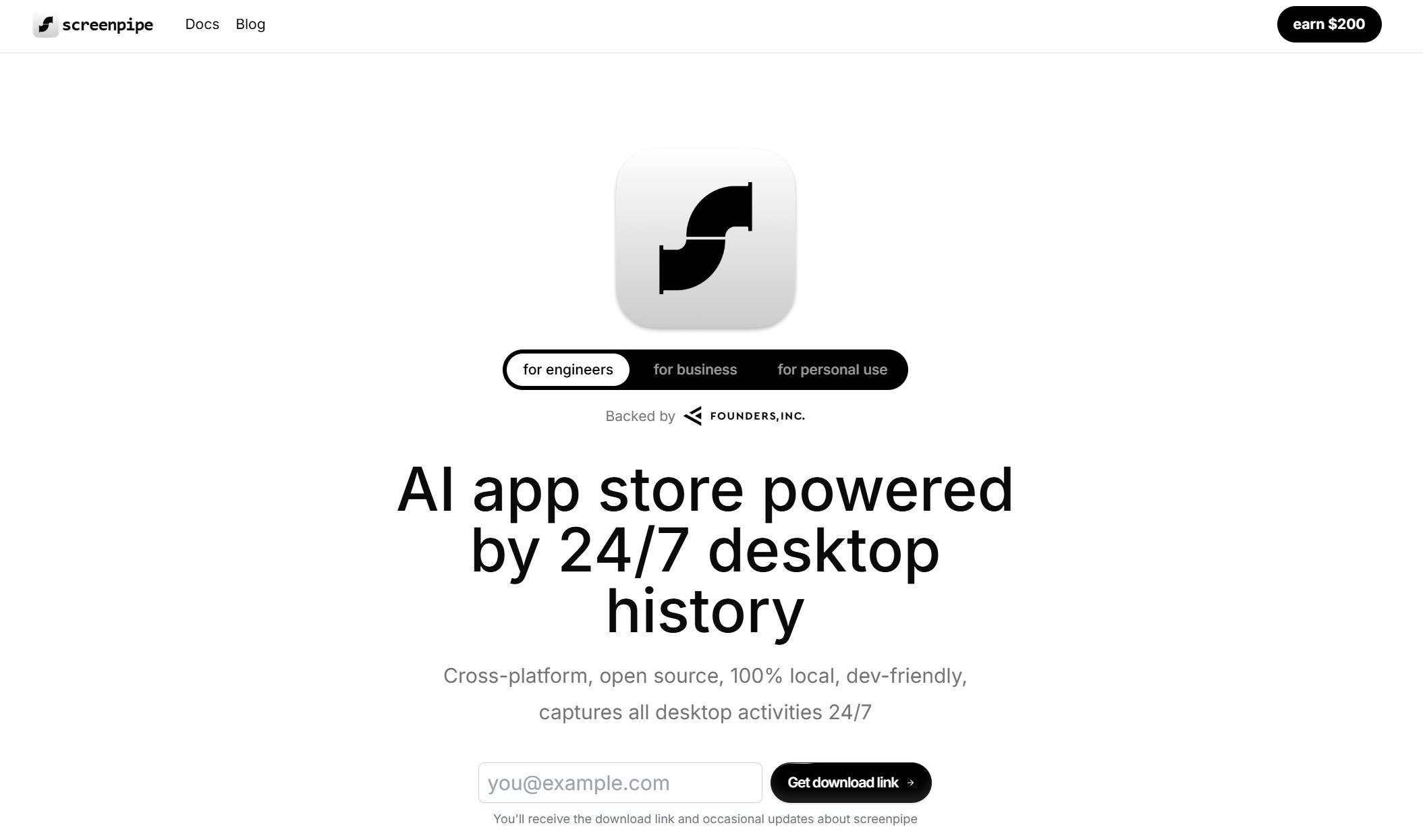
Screenpipe captures searchable screen text and audio history locally, helping people recall past work, create meeting notes and work summaries, and give AI assistants context through its local API and MCP server.
Screenpipe captures searchable screen text and audio history locally, helping people recall past work, create meeting notes and work summaries, and give AI assistants context through its local API and MCP server. Captured history stays on your device by default, though configured cloud AI providers, transcription, sync, and integrations can transmit context off-device. Screenpipe is source-available under the Screenpipe Commercial License rather than an OSI open-source license; see the LICENSE.md in the repository for terms. Built in Rust, it runs on Windows, macOS, and Linux, exposes developer APIs for context-aware AI applications, and offers a plugin system that lets developers deploy Next.js applications directly to the desktop. Current plans, including free and paid tiers, are listed at screenpipe.com/pricing. MCP setup instructions are documented in the screenpipe-mcp package README in the repository.
Autonomy level
98/100
Our subjective rating of how independently the product carries out its documented tasks, considering the human setup, input, approval and review it needs. This is not a measured success rate.
Comparisons
Custom Comparisons
Some of the use cases of Screenpipe:
- Recalling past on-screen work through locally searchable screen text and audio history.
- Creating meeting notes and work summaries from captured screen and audio context.
- Giving AI assistants local context through the Screenpipe API and MCP server.
- Developing context-aware AI applications that use desktop activity data stored on-device.
- Automating repetitive tasks based on captured desktop context.
Loading Community Opinions...
Pricing model:
Code access:
Popularity level: 63%
Tags:
Screenpipe Video:
Turn this profile into a trust signal
Show prospects that Screenpipe has a public place where they can check product details, pricing, ratings, and reviews.
Build confidence
Give buyers a third-party profile to explore.
Reduce hesitation
Put validation beside your strongest CTA.
Earn discovery
Every badge links prospects to your listing.
Choose your style
Preview it, then copy the complete embed code.
Shows buyers where to validate your product, pricing, and reputation.
Plain HTML. No signup, script, or maintenance required.
Describe the job. Get an AI worker you can actually message.
We create the setup, keep it running after your laptop closes, and save its memory. Test in the browser, then add Telegram, WhatsApp, or Slack.
Plans start at $199/month. Cancel anytime.
Hosted agent
OpenClaw or Hermes